What Are E-Commerce AI Chatbots? How Conversational AI Improves Online Shopping & Drives Sales
Sachin
In this article
Share Knowledge
If you manage an online retail brand, you have likely encountered two related questions in your search analytics:
“What are e-commerce chatbots, and how can conversational AI actually improve online shopping rather than just annoying our store visitors?”
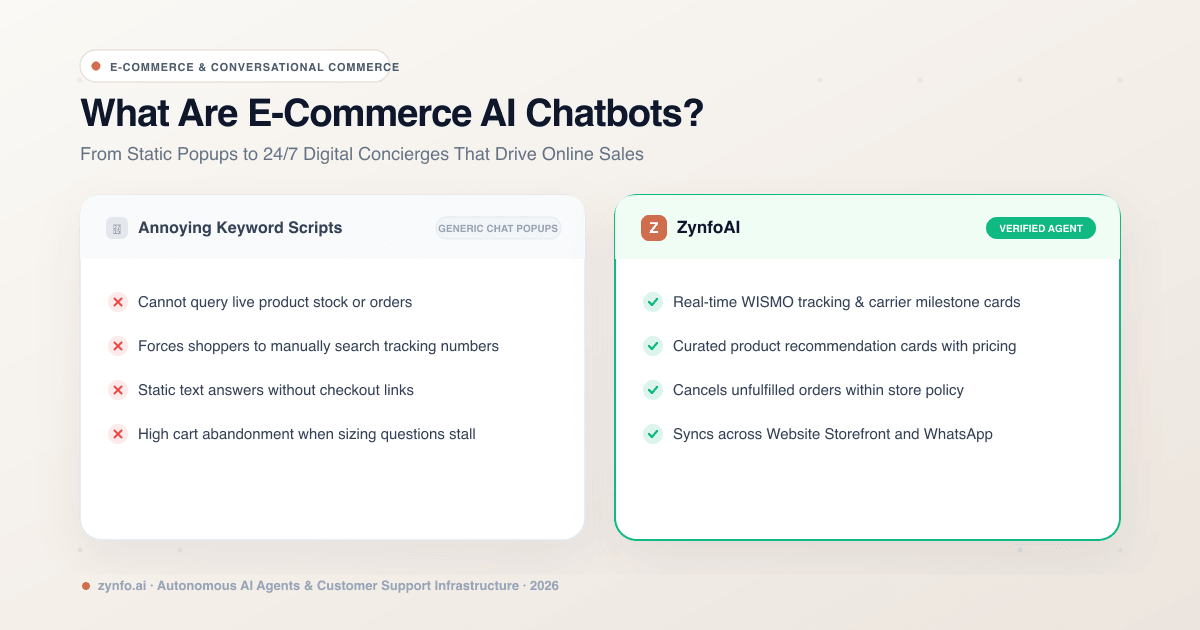
For years, store owners associated e-commerce chatbots with clunky rule-based widgets that popped up on screen with annoying sound effects, asked “Are you looking for something?”, and offered three static buttons that led nowhere.
In 2026, the definition of an e-commerce chatbot has undergone a radical transformation. Powered by Agentic AI and native catalog synchronizations, modern e-commerce bots act as autonomous digital shopping concierges that track packages in real time, recommend tailored products, handle returns, and assist shoppers 24/7 across both web storefronts and WhatsApp.
In this guide, we demystify what modern e-commerce AI chatbots are, outline the essential features driving conversion in 2026, and explore how online stores use them to boost average order value (AOV) while slashing customer support costs.
What Is an E-Commerce AI Chatbot?
An e-commerce AI chatbot (often called an e-commerce AI agent) is an intelligent conversational software system integrated directly into an online store’s product catalog, order management system, and support channels.
Unlike legacy bots that merely spit out canned text responses, an e-commerce AI agent has system read-and-write capabilities:
- It understands unstructured natural language queries from shoppers (e.g., “Do you have organic cotton hoodies in navy size large under $70?”).
- It queries the live store catalog to display interactive product cards with current pricing, stock availability, and direct checkout links.
- It authenticates customer identities to check real-time shipping carrier tracking or initiate order cancellations.
The Unified Architecture
- Live Store Layer: Connects natively to Shopify and WooCommerce backends for live product catalog data, inventory levels, and real-time shipping carrier milestones.
- Autonomous Reasoning Layer: Understands shopper intent, parses sizing and product attributes, and executes automated WISMO (“Where is my order?”) deflection with verified policy citations.
- Omnichannel Touchpoints: Delivers interactive product cards and direct checkout links on your website storefront while providing automated tracking updates and COD address verification over WhatsApp Business (Meta Cloud API).
4 Ways Conversational AI Improves the Online Shopping Experience
Online shopping is convenient, but it lacks the tactile assistance of a brick-and-mortar store. When customers have sizing questions, delivery timing doubts, or return inquiries, they cannot flag down a retail assistant. If answers aren’t immediate, they abandon their cart.
Here is how modern e-commerce AI bridges that gap:
1. Eliminating WISMO (“Where Is My Order?”) Inquiries
Across online retail, 50% to 70% of all incoming customer service requests consist of one question: “Where is my package?”
Human support agents spend hours opening tracking links, logging into shipping carrier dashboards, and copying tracking numbers into emails.
An AI e-commerce agent resolves this autonomously:
- Customer enters their order number and email or phone number in chat.
- The agent queries your connected store backend (Shopify or WooCommerce) in real time.
- The customer receives an instant order status card showing carrier tracking, transit milestones, and estimated delivery dates—in under 3 seconds.
2. Conversational Product Discovery & Personalization
Traditional search bars require exact keyword matches. If a shopper types “lightweight jacket for rainy hiking,” a standard keyword filter often shows zero results or a jumble of unrelated items.
An AI agent understands semantic shopper intent:
- It parses customer requirements: fabric preference, weather conditions, price range, and sizing.
- It returns curated, rich interactive product cards directly in the chat window, complete with high-resolution imagery, pricing, and one-click add-to-cart buttons.
- This interactive guidance simulates a high-end personal shopper, significantly increasing conversion rates.
3. Sizing, Ingredient & Policy Assurance
Doubts kill conversions. A shopper ready to buy an expensive leather boot or skincare product might hesitate:
- “Does this fit true to size or should I size up?”
- “Is this safe to use with retinol?”
- “What is your international return policy if it doesn’t fit?”
By indexing your sizing charts, ingredient lists, and return guidelines into a grounded AI knowledge base, the agent gives precise, trustworthy answers with citations, giving shoppers the confidence to complete checkout.
4. Automated Cancellations & Refund Processing
Accidents happen—a customer orders the wrong color or accidentally enters an outdated shipping address.
With native Shopify integrations, the AI agent can check if an order has been fulfilled. If it is still unfulfilled and falls within your store’s grace period, the agent can cancel the unfulfilled order or process the refund status immediately without making the customer wait until Monday morning for a human rep.
Supercharge Your Online Store with AI
Connect Shopify or WooCommerce to ZynfoAI in minutes. Automate WISMO inquiries, showcase products, and boost sales 24/7.
Must-Have Features in an E-Commerce Chatbot for 2026
When evaluating e-commerce chatbot platforms, ensure they provide these critical architectural capabilities:
| Feature | Zynfo AI | Legacy Rule-Based Bots |
|---|---|---|
| Catalog Integration | Live automatic catalog sync via Shopify / WooCommerce | Static manual links only |
| Order Tracking | In-chat real-time carrier status & milestone cards | Directs user to external tracking URL |
| Order Modifications | Can cancel unfulfilled orders within policy guidelines | Cannot touch store backend |
| Messaging Channels | Website widget + WhatsApp Business (Meta Cloud API) | Website only |
| Pricing Predictability | Transparent flat $99/mo (5,000 conversations included) | High overage fees per ticket |
| Human Escalation | Live agent handoff with business-hour scheduling | Dumps chat into unmonitored email queue |
WhatsApp Commerce: Reaching Shoppers on Their Favorite App
For international and D2C brands, customer engagement is shifting rapidly from email to WhatsApp Business.
With ZynfoAI’s native Meta Cloud API integration:
- Shoppers can check order statuses, ask product questions, or request exchange guidelines over WhatsApp.
- The AI responds with interactive WhatsApp buttons and list menus, minimizing typing on mobile screens.
- If a shopper needs complex assistance, the conversation seamlessly routes to your team inbox, automatically pausing the AI while your human agent resolves the issue.
Summary: From Support Cost Center to Revenue Driver
E-commerce AI chatbots are no longer basic FAQ popups. When properly connected to your store catalog and order management systems, they become 24/7 revenue multipliers and support deflectors.
By resolving routine order tracking requests in seconds, helping shoppers discover products effortlessly, and delivering consistent service across both web and WhatsApp, an AI e-commerce agent delights your customers while keeping your support overhead strictly under control.
Ready to automate your online store? Sign up to ZynfoAI free today and deploy your e-commerce AI agent in minutes.
Related Keywords & Expertise
Recommended Resources & Tools
Put this into practice with our free tools & solutions
AI Chatbot for E-commerce
Recover abandoned carts, automate order tracking, and boost online store sales.
Chatbot ROI Calculator
Calculate your projected cost savings, ticket deflection rate, and revenue impact.
AI WhatsApp Reply Generator
Generate high-converting, professional WhatsApp sales and support replies with AI.
AI with Human Handoff
Escalate complex chats to live agents with complete conversation context.
You Might Also Like
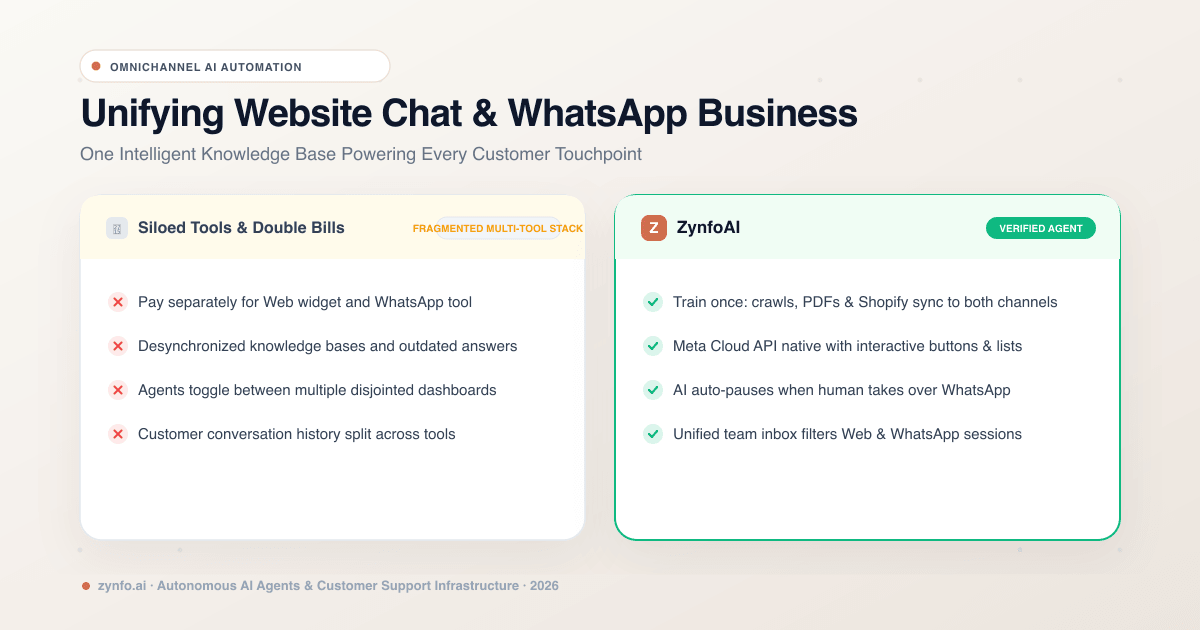
Omnichannel AI Support: Unifying Website Chat and WhatsApp Business with One Knowledge Base
Learn how to deploy a single AI knowledge base across website live chat and WhatsApp Business. Automate multi-channel customer support with unified agent inboxes.
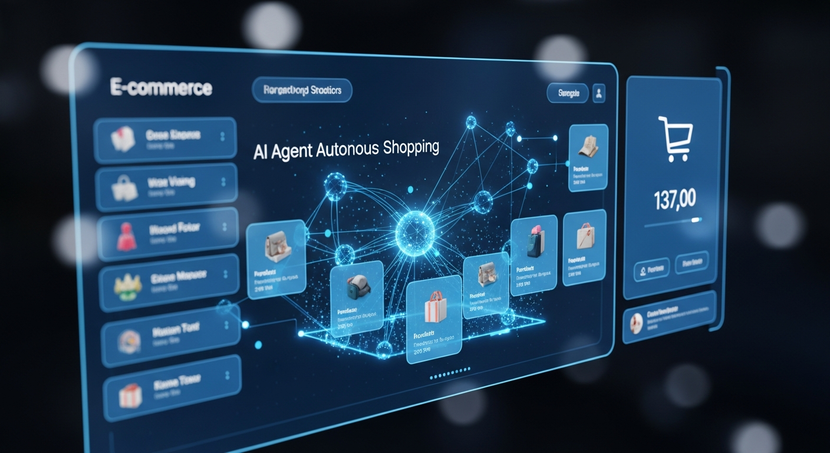
How AI Agents Are Transforming E-commerce
Discover how autonomous ecommerce AI agents transform retail. Learn high-impact use cases, customer support automation, and growth strategies.
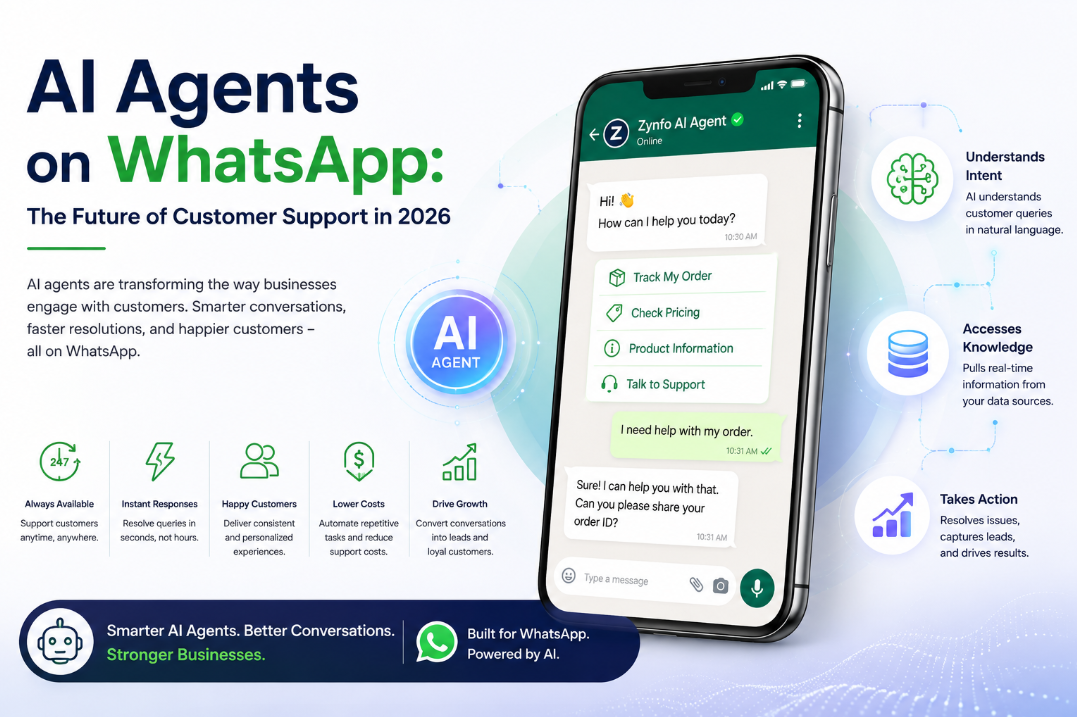
AI Agents on WhatsApp: The Future of Customer Support 2026
Discover how AI agents on WhatsApp are revolutionizing customer support in 2026. Learn the benefits, technology, and why they outperform standard chatbots.
Want to learn more?
Explore our entire library of insights on AI automation, lead generation, and scaling customer support.
Read blogs nowAutomate your support with AI
Deploy an AI agent in 2 minutes. Deflect 70%+ of customer tickets.