SaaS 9 min read
AI Onboarding Support for SaaS: Help Users Reach Their First Win
Last updated: 2 November 2026.
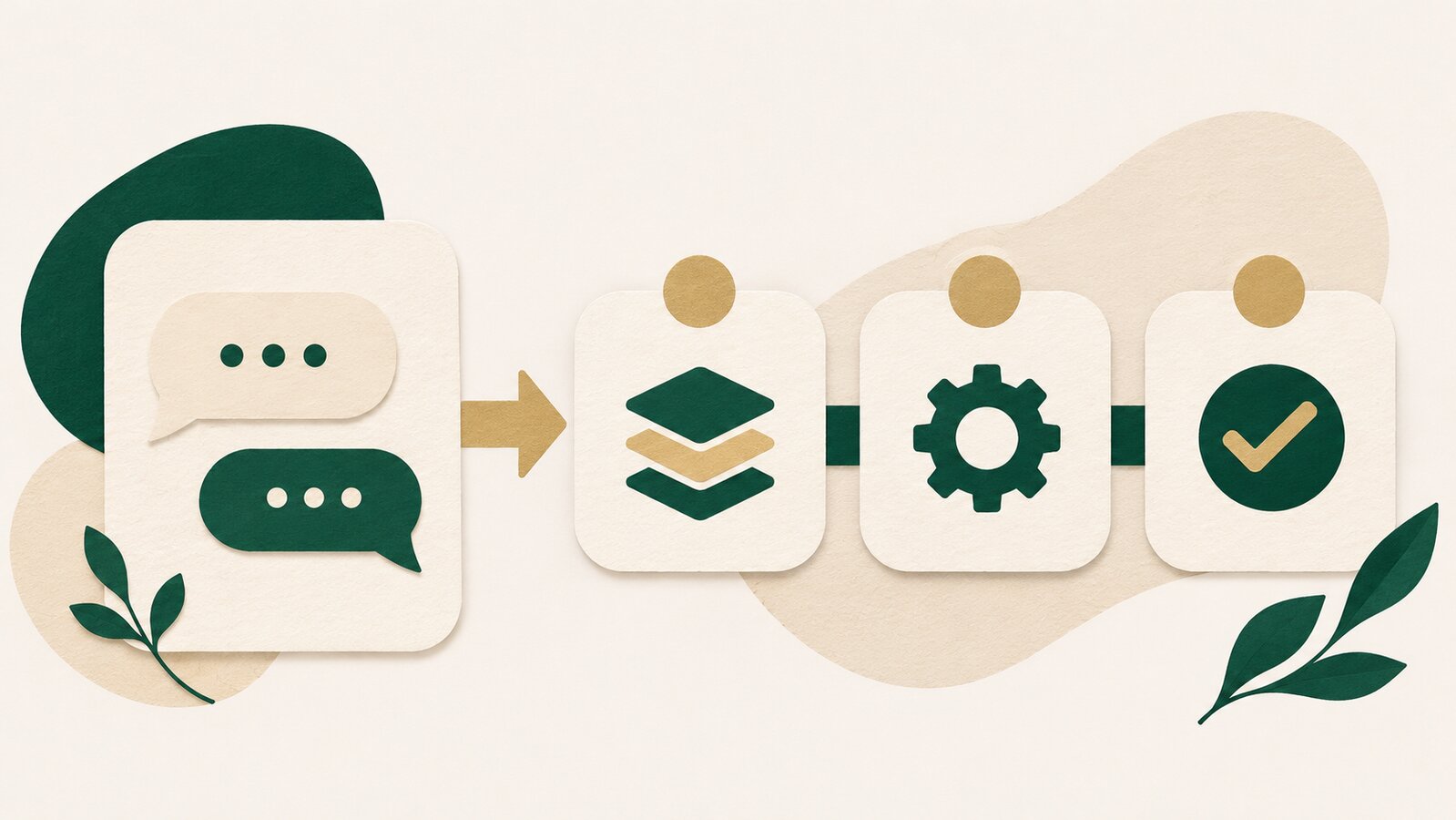
AI onboarding support for SaaS means helping a new user take the next useful step inside a product when they ask, “Where do I start?”, “How do I invite my team?” or “Why is this not working?” It is not a product tour that repeats itself. It is an answer that uses your real setup instructions, in the moment a user gets stuck.
Most SaaS teams do not lose new users because their product has no features. They lose them in the gap between sign-up and first value. A user creates an account, sees an unfamiliar workspace, then opens a support chat with one small question. If that question waits until tomorrow, momentum disappears.
This guide shows which onboarding questions an AI support agent can handle, what it needs to know before it replies, and where automation should stop.
What is AI onboarding support for SaaS?
AI onboarding support is a support layer that answers common setup and adoption questions using your product documentation, help centre, onboarding emails and approved internal guides. It helps users complete a task without making them search through a long knowledge base.
A useful answer is specific. Instead of saying “Check your settings,” it says which settings page to open, what to select, and what to do next. If the answer depends on account data, permissions or a bug, the AI should hand the conversation to a person with the relevant context.
That boundary matters. Good onboarding support removes small blockers. It does not pretend every problem is small.
Which onboarding questions should an AI answer?
Start with questions that are frequent, stable and already documented. These are usually the questions that arrive after a user has signed up but before they have built a habit in the product.
For a SaaS product, the first list often includes:
- How do I complete the initial setup?
- Where do I connect an integration?
- How do I invite a teammate or assign a role?
- Where can I import data?
- How do I create my first project, workflow or campaign?
- What does a setting mean?
- Where can I find billing, invoices or plan details?
- How do I speak to support when my account needs help?
These questions are valuable because they are not only support questions. They are activation questions. A clear answer helps a user move forward while their intent is still high.
Do not begin by automating questions about account-specific errors, security requests, cancellations or data recovery. Those are better routes for human support until you have a reliable, reviewed process.
Why a product tour is not enough
A product tour explains the product in a fixed order. A real user does not learn in a fixed order.
One person wants to invite a teammate first. Another wants to import a file. A third skips setup, returns three days later and asks why an integration is not connected. The support system has to meet the user at the question they actually ask, not the step the onboarding flow expected them to be on.
That is why a searchable knowledge base and a conversational support layer work well together. Your help articles hold the source material. The AI makes the right part easier to find and explains it in a short, task-focused answer.
For a broader view of what separates an AI agent from a basic scripted bot, read AI agent vs chatbot.
What should your AI know before you switch it on?
The quality of an onboarding answer is limited by the quality of the information behind it. Before connecting an AI support agent, prepare the materials a new user would need to finish their first meaningful task.
Start with these five groups:
- Setup guides: the exact steps from sign-up to first value.
- Feature explanations: what a feature does, who should use it and what it does not do.
- Integration guides: prerequisites, permissions, connection steps and common errors.
- Role and access rules: what admins, members and viewers can do.
- Escalation rules: which questions must go to a human and where they should land.
Write these pages as if the reader has just opened the product for the first time. “Go to Settings” is not enough if there are five settings areas. Name the path, describe the outcome, and include the one decision the user must make.
The same principle applies to support knowledge more generally: incomplete documentation produces incomplete answers. See how AI chatbots affect customer support for the wider support case.
How should an onboarding answer be structured?
A good onboarding answer is short enough to act on and complete enough to prevent a follow-up question.
A simple structure works well:
- Confirm the task in plain language.
- Give the next one to three actions.
- State what success looks like.
- Link to the full guide only when the user needs more detail.
- Offer a human handoff if the steps do not match their account.
For example:
To invite your teammate, open Settings → Team, select Invite member, then choose their role. They will receive an email invite. If you do not see the Team option, your account may not have admin access.
This is better than pasting a full help-centre article into chat. The article is still useful, but the user needs the next action first.
Where should AI hand off to a human?
An AI support agent should hand off when the user needs a judgement call, a private account change or technical investigation. The handoff should not make the user repeat the problem.
Use a clear handoff for:
- a bug or outage report;
- an account-specific billing or access issue;
- a security or privacy request;
- a data import that failed;
- a request involving a contract, custom setup or migration;
- repeated failed attempts after the suggested steps.
The best handoff includes the conversation, the user’s stated goal and what they already tried. That gives the human support team a useful starting point rather than another empty ticket.
For a practical guide to those boundaries, see AI chatbot human handoff and escalation.
How do you measure whether onboarding support is helping?
Do not judge an AI onboarding agent by the number of replies alone. A fast answer is useful only if it helps someone complete the next step.
Track a small set of signals:
- the top onboarding questions by volume;
- how often those questions are resolved without a human;
- which questions still lead to a handoff;
- which help articles are repeatedly needed;
- feedback on the answer after the conversation;
- the steps where new users get stuck most often.
The goal is not to hide support demand. It is to expose the points in the product and onboarding flow that need clearer guidance. If hundreds of people ask where to find one setting, that may be a documentation problem, a navigation problem or both.
A simple first-week rollout plan
You do not need to automate every onboarding question on day one. Start with one narrow set, review the conversations, then expand.
Day 1: collect the questions. Pull the last month of early-user chats, emails and tickets. Group them by setup, integrations, roles, billing and errors.
Day 2: improve the source material. Rewrite the five most common answers as short task guides. Remove vague phrases and add the exact product paths.
Day 3: define handoffs. List the questions that need a person. Decide who receives them and what context they need.
Day 4: test real wording. Ask the agent the same questions users ask, including incomplete or misspelled versions. Check whether the answer is accurate and whether it knows when not to answer.
Day 5: launch to a small segment. Review conversations every day. Add missing details to the knowledge base before widening access.
This approach keeps the work grounded in real customer language instead of a perfect-looking demo.
Where ZynfoAI fits
ZynfoAI helps teams answer customer questions through website chat and WhatsApp using the business knowledge they provide. For SaaS onboarding, that can include setup guides, product documentation, FAQs and internal support material. When a question needs a person, the conversation can be handed over instead of forcing the user to start again.
The important part is not putting “AI” in front of onboarding. It is giving a new user a clear next step while they are still trying to make the product work.
If you are starting with the broader support foundation first, read AI chatbot customer support. If your team wants to prepare its source material, see the knowledge base feature.
FAQ
What is AI onboarding support?
AI onboarding support answers common new-user questions about setup, product features, integrations and access using approved company knowledge. It helps users take the next step without searching through documentation.
Can AI onboarding support replace a product tour?
No. A product tour introduces the product, while AI support answers questions that come up in different orders and at different times. They work better together than separately.
Which SaaS onboarding questions should be automated first?
Start with frequent, documented questions about setup, integrations, team invitations, roles, basic feature use and billing navigation. Keep account-specific, security and technical investigation questions with a human team.
How do I stop an AI agent from giving the wrong onboarding answer?
Keep its source material specific and current, test it with real customer questions, and define clear situations where it must hand off instead of guessing.
Does ZynfoAI support SaaS onboarding questions?
ZynfoAI can answer routine customer questions using the knowledge your team provides on website chat and WhatsApp. It is most useful when your setup guides and product documentation are clear and kept current.
Tools and guides
Put this into practice
AI with Human Handoff
Escalate complex chats to live agents with complete conversation context.
Free ToolChatbot ROI Calculator
Calculate your projected cost savings, ticket deflection rate, and revenue impact.
FeatureShared Team Inbox
Manage website chat and WhatsApp conversations from one workspace.
Free ToolAI FAQ Generator
Turn documents, manuals, and URLs into structured FAQs and schema markup.