AI Chatbots: Reduce Support Tickets by 70%
Harmeet Singh

In this article
Share Knowledge
Global customer support grids hit the same hard wall everywhere. Staff members face endless loud ticket lines. As standard brands scale up, the question backlog forces human teams to break down. Modern enterprise groups solve this gap fast. They deploy a heavy AI Chatbot for Customer Support to process massive boring question volumes automatically.
Massive companies leverage digital intelligence to fix the backlog trap. Reliable AI bots automate massive text flows. They drop instant correct answers. They chop real ticket mass. Using deep Natural Language Processing secures high technical accuracy. Appreciative customers grab solid guidance without waiting inside hour-long hold loops.
Brands note that AI helpers easily slash helpdesk queues by 70%. The software solves easy tasks natively. It guides lost shoppers toward the correct manual. Companies hunt constantly for the best chatbot for websites to automate raw service pipelines while generating flawless digital experiences.
Table of Contents
- Why Customer Support Tickets Are Increasing
- What Is an AI Chatbot for Customer Support?
- How AI Chatbots Reduce Support Tickets
- Benefits of Using AI Chatbots for Customer Experience
- How AI Chatbots Improve Customer Support Workflows
- Future of AI Chatbots in Customer Support
- Conclusion
Why Customer Support Tickets Are Increasing
Digital scale drives complex customer confusion. Retail firms drop apps, web portals, and social channels onto buyers simultaneously. The overall inbound ticket rate outruns active human hiring budgets.
Major factors driving heavy ticket growth:
- Consumers ask the same five basic data questions.
- End users break complex UI layouts searching for missing buttons.
- Lazy websites hide standard FAQ files.
- Delayed human replies trigger panic loops.
A massive slice of daily ticket logs involves stupid manual fixes. Password resets drain real team energy. Subscription pause requests bore smart workers. A smart autonomous AI Chatbot for Customer Support terminates these stupid problems instantly. It liberates expensive human staff for critical deep account checks.
What Is an AI Chatbot for Customer Support?
An AI chatbot runs smart software arrays parsing raw human text natively. It generates clear safe answers without basic human help. The ancient scripted menu tree bots failed. The new logic variants read hidden text intent perfectly.
Teams train these bots using:
- Technical API docs and flat Wiki nodes.
- Deep historical chat archives.
- Clean standard helpdesk articles.
- Live data pipes out of a standard support ecosystem.
This raw power pushes firm owners to find the best AI chatbot builders for websites fast. A rigorous AI Chatbot for Customer Support serves as a permanent 24/7 lobby concierge. It absorbs massive web traffic loads without dragging down local payroll numbers.
How AI Chatbots Reduce Support Tickets
AI bots murder ticket loads using these exact heavy paths:
- Answering FAQs Instantly: Boring queries about refund rules die inside the chat frame. Zero support tickets spawn.
- Self-Service Enablement: Intelligent robots link missing tutorial videos directly inside the text box. The buyer fixes the software glitch independently.
- Product Guidance: When operating thick enterprise panels, an AI Chatbot for Customer Support points the mouse clicks step by step. This limits onboarding rage.
- Simultaneous Scaling: Single human operators juggle three chats. Server bots manage ten thousand overlapping angry chats smoothly without sweat.
- Smart Routing: A catastrophic billing error forces the AI to step aside safely. The software passes the pure text transcript directly to a senior manual boss cleanly.
Benefits of Using AI Chatbots for Customer Experience
A flawless user flow commands pure market control. Companies dropping instant solid support build massive user trust. Finding the best AI chatbot for customer experience unlocks pure revenue loyalty.
- Instant Gratification: Lost buyers retrieve clear solutions inside four seconds.
- 24/7 Availability: Midnight tech disasters get solved while your actual staff sleeps peacefully.
- Consistency: An AI never forgets an obscure refund rule. It delivers the firm exact company text every single time.
Shatter Your Ticket Backlog
Deploy an AI chatbot that resolves 70% of routine inquiries automatically. Free your team for complex work.
How AI Chatbots Improve Customer Support Workflows
Large scale firms hit complex support barriers as their software expands. Users demand immediate manual help testing API limits or changing raw tier plans. Activating a native AI Chatbot for Customer Support locks down the main defense wall.
Across major global fields, these intelligent tools provide:
- Instant native guidance floating over main web dashboards.
- Deep troubleshooting paths leveraging flat internal company wiki rules.
- Solid links integrating Zendesk or native HubSpot modules.
Elite tool platforms like ZynfoAI empower massive networks. ZynfoAI ingests pure proprietary Drive files. This guarantees safe private output mapping the intended buyer journey accurately.
Future of AI Chatbots in Customer Support
Standard support tools rush toward total Agentic AI structures. The 2026 systems execute solid backend jobs.
- Autonomous Resolution: Smart robots issue partial Stripe refunds based on custom delay bounds.
- Predictive Support: AI modules track random server lags identifying major user drops before angry tweets post.
- Hyper-Personalization: Chat logs adjust matching strict past purchase history markers natively.
Conclusion
Client support desks suffer daily blockages as traffic loads expand. A tuned AI Chatbot for Customer Support provides the simplest mechanical fix by crushing basic routine manual pings instantly.
By connecting the best chatbot for websites, scaling firms murder their backend ticket graphs. Average response rates plummet to absolute zero. If you command loud heavy transaction grids, track the AI for online food ordering report for a tight local proxy.
Solid networks like ZynfoAI prove that autonomous AI support desks boost overall operations while delivering pristine client interactions today.
Before you leave, check out our pricing plans to see how affordable automation can be, and explore our lead generation capabilities to start turning traffic into revenue.
Automate Your Support Desk Today
Join the leaders in AI-first support. Resolve tickets instantly and delight your customers at scale.
Related Keywords & Expertise
Recommended Resources & Tools
Put this into practice with our free tools & solutions
AI with Human Handoff
Escalate complex chats to live agents with complete conversation context.
Chatbot ROI Calculator
Calculate your projected cost savings, ticket deflection rate, and revenue impact.
Shared Team Inbox
Manage website chat, WhatsApp, and email conversations from a unified workspace.
AI FAQ Generator
Turn documents, manuals, and URLs into structured FAQs and schema markup.
You Might Also Like

AI Automation Agency & AI Receptionist in Qatar (2026 Guide) | ZynfoAI
Looking for an AI automation agency in Qatar? Discover how Qatari businesses deploy 24/7 AI receptionists, Arabic chatbots, and customer support automation in Doha.
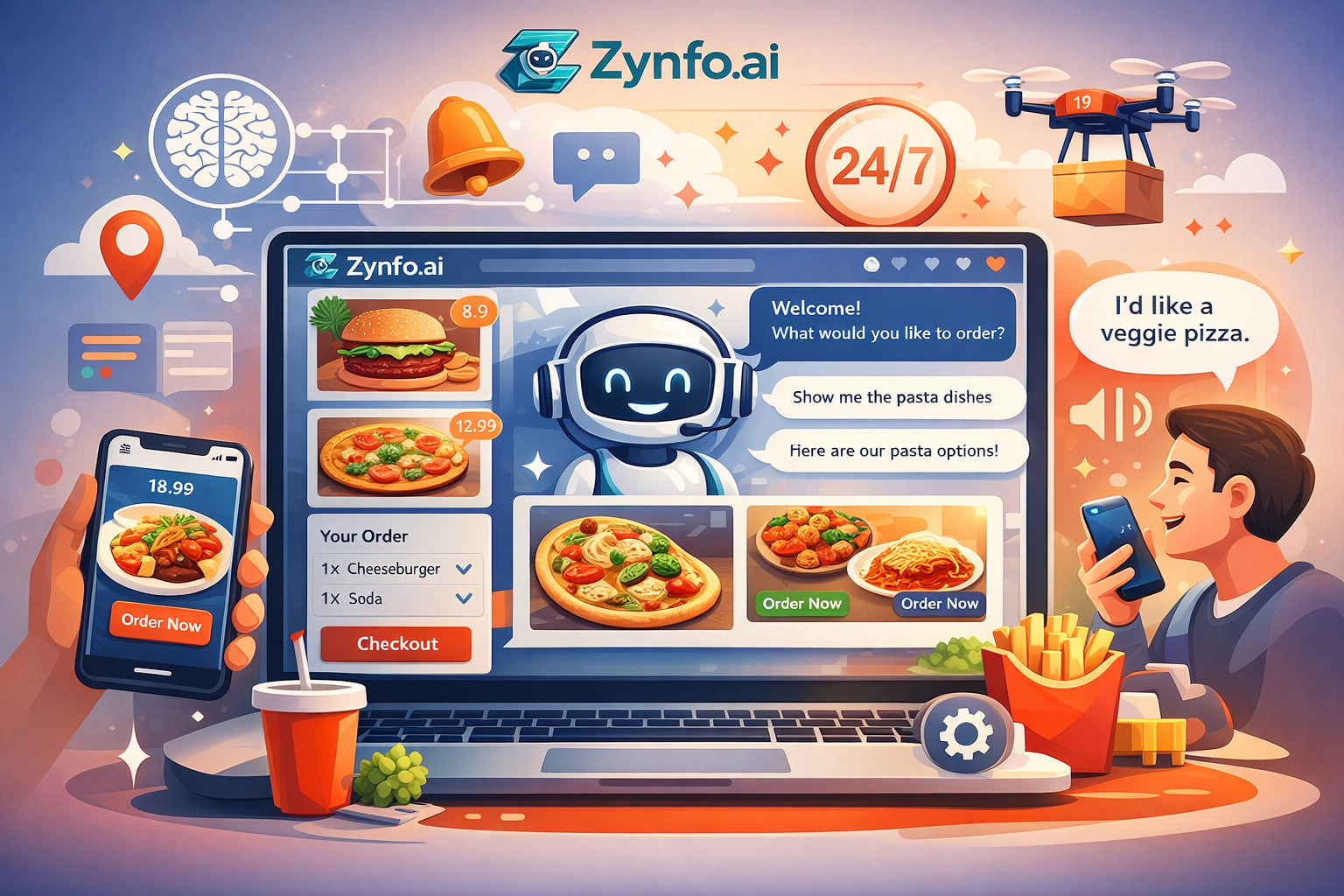
AI Chatbots for Online Food Ordering & Restaurants
Learn how an AI Chatbot for Online Food Ordering can transform your restaurant by automating orders, reducing wait times, and boosting customer satisfaction.
Ultimate Guide to AI Customer Service Chatbots
A comprehensive deep dive into AI chatbots. Learn how an ai chatbot for customer service transforms support operations, reduces costs, and drives retention.
Want to learn more?
Explore our entire library of insights on AI automation, lead generation, and scaling customer support.
Read blogs nowAutomate your support with AI
Deploy an AI agent in 2 minutes. Deflect 70%+ of customer tickets.