Website Chat Widget (2026): UI Design, Setup & Optimization | ZynfoAI
Sachin Jaiswal
In this article
Share Knowledge
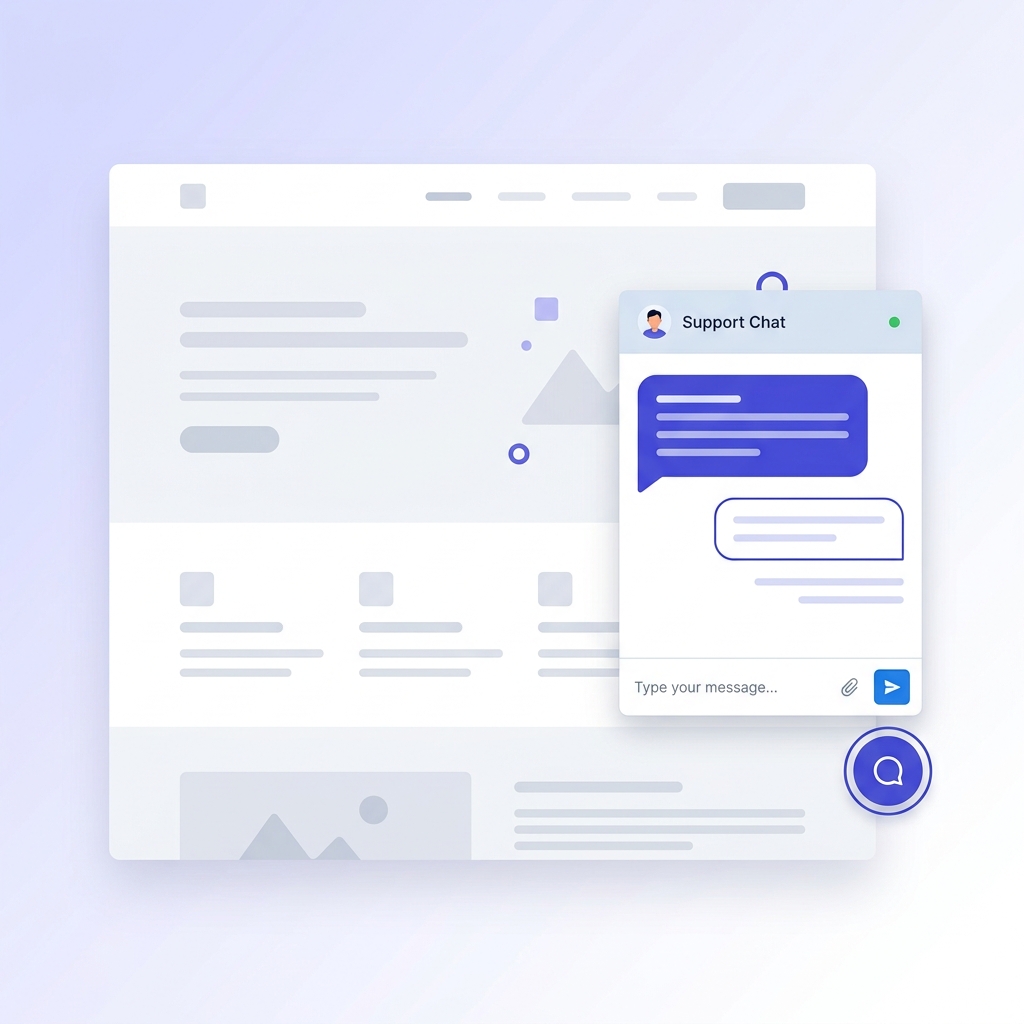
A website chat widget is the small, interactive chat interface that sits in the corner of a webpage and lets visitors ask questions, get instant answers, and connect with support — all without leaving the page. When powered by AI, it becomes one of the highest-ROI additions you can make to any chat website strategy.
Yet most businesses either skip chat entirely or settle for a generic live chat tool that requires human agents to be online. The result? Missed leads during off-hours, slow response times, and frustrated visitors who bounce to a competitor instead of using your website chat widget.
This guide covers everything you need to know about chat widgets — from what they are and why they matter, to how you can add the ZynfoAI chat widget to your site in minutes, design it to match your brand, and optimize it for maximum engagement and conversions.
Table of Contents
- What Is a Chat Widget and Why Does Every Website Need One?
- Types of Chat Widgets: Rule-Based vs. AI-Powered
- How ZynfoAI’s Chat Widget Works
- How to Add the ZynfoAI Chat Widget to Your Website
- Designing Your Chat Widget: Appearance and Branding
- Strategic Widget Placement by Page Type
- Mobile Optimization for Chat Widgets
- Chat Widget UI Patterns That Increase Engagement
- Accessibility Best Practices for Chat Widgets
- Measuring Chat Widget Performance
- ZynfoAI vs. Other Chat Widget Solutions
- Frequently Asked Questions (FAQ)
- Conclusion
What Is a Chat Widget and Why Does Every Website Need One?
A chat widget is a floating interface element — typically anchored to the bottom-right corner of a webpage — that opens into a conversational window when clicked. Visitors type questions, and the widget delivers responses in real time. According to Forrester Research, websites with chat functionality see a 10–15% increase in conversions and a 48% increase in revenue per chat hour compared to sites without chat.
The Business Case for Chat Widgets
The numbers make a compelling argument:
- 79% of consumers prefer live chat for instant answers (Kayako)
- 63% of visitors are more likely to return to a website with chat (eMarketer)
- 38% of consumers have made a purchase directly because of a chat session (Invesp)
- Chat reduces average handling time by 40% compared to phone and email
For businesses focused on lead generation, a modern website chat widget transforms anonymous traffic into qualified conversations. Instead of hoping visitors fill out a static contact form (see our comparison of Chatbots vs Static Forms), the widget engages them proactively at the moment their interest is highest.
What Happens Without a Chat Widget
Without chat, your website relies on three outdated engagement methods:
- Contact forms — 70% abandonment rate, 24–48 hour response time
- Email — buried in inboxes, no real-time interaction
- Phone — limited to business hours, expensive to staff
Every unanswered question is a potential customer lost. An AI-powered chatbot with seamless human handoff solves this by providing instant, accurate responses 24/7 — while you can calculate your exact return with our Chatbot ROI Calculator.
Types of Chat Widgets: Rule-Based vs. AI-Powered
Not all chat widgets are created equal. Understanding the differences helps you choose the right approach for your business.
| Feature | Zynfo AI | Rule-Based / Live Chat |
|---|---|---|
| Availability | 24/7 AI-powered | Business hours only |
| Response Speed | Instant (under 3 seconds) | Minutes to hours |
| Content Understanding | Reads and learns your content | Pre-scripted responses |
| Scalability | Unlimited concurrent chats | Limited by agent count |
| Setup Complexity | One script tag, no code | Training agents required |
| Cost Per Conversation | Fraction of a cent | $5–$12 per interaction |
Rule-Based Widgets
These use decision trees and pre-written scripts. Visitors click through predefined options — “Sales,” “Support,” “Billing” — and the widget routes them accordingly. They work for simple FAQ scenarios but fail when visitors ask anything outside the script.
Live Chat Widgets
These connect visitors directly to human agents. They provide excellent service quality but require staffing, are limited to business hours, and cannot scale without proportional headcount increases. Popular tools include Intercom, Zendesk Chat, and Tawk.to.
AI-Powered Chat Widgets
These use large language models (LLMs) combined with your business content to generate intelligent, contextual responses. ZynfoAI falls into this category, using RAG (Retrieval-Augmented Generation) technology to ensure every answer is grounded in your actual content — not invented by a generic AI model.
How ZynfoAI’s Chat Widget Works
ZynfoAI’s chat widget is a lightweight, embeddable interface that connects your website visitors to an AI assistant trained specifically on your content. Here is the architecture behind it.
The Technology Stack
The widget is built with React and TypeScript, compiled into a single JavaScript bundle (widget.js) with accompanying styles (widget.css). When the embed script loads on your page, it:
- Reads the bot ID from the
data-chatbot-idattribute on the script tag - Fetches your bot configuration from the ZynfoAI API — theme, colors, welcome messages, and behavior settings
- Loads React (only if not already present on the page — no duplication)
- Renders the widget in the configured position with your custom appearance
- Initializes the chat session so visitors can start asking questions immediately
RAG-Powered Responses
When a visitor asks a question, the widget does not rely on generic AI knowledge. Instead:
- The question is converted into a vector embedding
- ZynfoAI performs a semantic similarity search against your knowledge base
- The most relevant content chunks are retrieved from your ingested content
- A large language model generates a natural response grounded in those specific chunks
- Source links are optionally displayed so visitors can verify the information
This means your chat widget answers questions about your products, your policies, and your services — accurately and consistently, every single time.
Configuration Management
All widget settings are managed through ZynfoAI’s bot management dashboard — a visual interface with real-time preview. You never need to edit code to change colors, messages, or behavior. The widget fetches its configuration dynamically each time it loads, so changes take effect immediately across all pages.
Add AI Chat to Your Website
Deploy a fully customizable, AI-powered chat widget in under 5 minutes. No coding required.
How to Add the ZynfoAI Chat Widget to Your Website
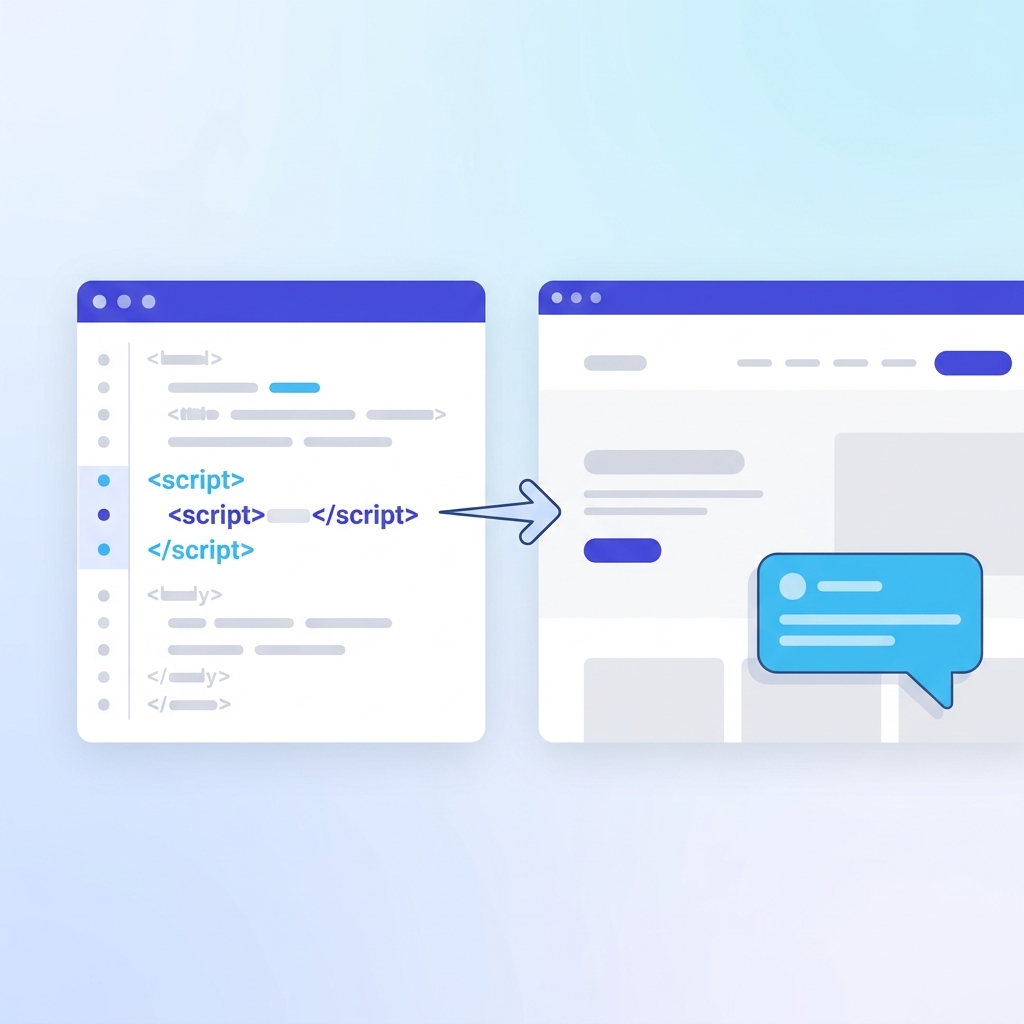
Adding the widget requires a single line of code — a <script> tag placed before the closing </body> tag on your site.
Step 1: Get Your Bot ID
- Log in to your ZynfoAI dashboard
- Navigate to Bot Management
- Create a new bot or select an existing one
- Copy the Bot ID (a UUID like
550e8400-e29b-41d4-a716-446655440000)
Step 2: Add the Embed Script
Paste this code before </body> in your website’s HTML:
<script
  id="__zynfoai-chat-widget__"
  src="https://app.zynfo.ai/widget/embed.js"
  data-chatbot-id="YOUR_BOT_ID"
  async>
</script>
That is it. The async attribute ensures the widget loads in the background without blocking your page content.
Step 3: Verify It Works
Refresh your page. You should see a floating chat bubble in the bottom-right corner (or whichever position you configured). Click it to open the chat window and test a question.
Platform-Specific Instructions
WordPress: Install the ZynfoAI plugin from your admin dashboard, or paste the script using a header/footer plugin. See our complete WordPress AI chatbot guide for all three installation methods.
Shopify: Add the script to layout/theme.liquid before </body>. Our Shopify AI chatbot guide covers advanced configurations including customer context and cart recovery.
React / Next.js: Load the script dynamically using useEffect. Full code examples are in our chatbot creation guide.
Wix / Squarespace / Webflow: Use each platform’s custom code injection feature. Detailed steps are in our technical implementation guide.
Designing Your Chat Widget: Appearance and Branding
A well-designed chat widget feels like a natural extension of your website — not a foreign element bolted on. ZynfoAI gives you full control over every visual aspect through the bot management dashboard.
Appearance Configuration
The Appearance tab in your dashboard controls these settings:
| Feature | Zynfo AI | What to Set |
|---|---|---|
| Theme | Light or Dark mode | Match your site's existing color scheme |
| Primary Color | Any hex color value | Use your brand's primary color |
| Position | 4 corner positions available | Bottom-right is the industry standard |
| Border Radius | 0–30px range | 12–16px for modern, rounded feel |
| Font Size | 12–18px range | 14px for readability across devices |
| Width × Height | 300–500px × 400–700px | 380×500px is a balanced default |
Brand Color Integration
Your chat widget should reinforce your brand at every touchpoint:
- Trigger button — use your primary brand color so the bubble is recognizable
- User message bubbles — a tinted version of your brand color creates visual consistency
- Send button and links — match interactive elements to your primary accent
- Bot message bubbles — keep neutral (light gray or off-white) for readability contrast
Dark Mode Support
If your website offers a dark theme, configure a matching dark-mode widget. ZynfoAI supports both light and dark themes that you toggle in the dashboard. For sites that detect system preferences via prefers-color-scheme, you can use the JavaScript API to dynamically switch themes:
const isDark = window.matchMedia('(prefers-color-scheme: dark)').matches;
ChatWidget.updateConfig({ theme: isDark ? 'dark' : 'light' });
Custom CSS Overrides
For pixel-perfect control beyond the dashboard settings, use the Custom CSS tab:
/* Match your site's typography */
.chat-widget-container {
  font-family: 'Inter', -apple-system, sans-serif;
}

/* Custom shadow for depth */
.chat-window {
  box-shadow: 0 12px 40px rgba(0, 0, 0, 0.15);
}

/* Rounded bot message bubbles */
.message-bot {
  border-radius: 16px 16px 16px 4px;
}
Live Preview
Every change you make is instantly reflected in a real-time preview panel on the right side of the dashboard. This eliminates deploy-test-adjust cycles — you see exactly how the widget will look before it goes live.
Strategic Widget Placement by Page Type
Where your chat widget appears — and when — matters as much as how it looks. Different pages serve different user intents, and your widget should adapt accordingly.
Homepage
Goal: General awareness and broad assistance
- Position: Bottom-right (convention visitors expect)
- Timing: Delay 5–10 seconds so visitors orient themselves first
- Auto-open: No — let visitors choose to engage
- Greeting: “Hi! Looking for something specific? I can help.”
Product and Service Pages
Goal: Overcome objections, answer specific questions
- Position: Bottom-right, near “Add to Cart” or CTA buttons
- Timing: 3–5 seconds (visitors here have higher intent)
- Auto-open: Optional — consider triggering after 30 seconds of inactivity
- Greeting: “Have questions about this product? Ask me anything.”
This is where e-commerce AI chatbots deliver the highest ROI. A visitor comparing products who gets an instant answer is far more likely to convert than one who has to email and wait.
Pricing Page
Goal: Plan selection help, objection handling
- Position: Bottom-right with faster trigger
- Timing: Immediate or minimal delay (pricing page = high buying intent)
- Auto-open: Consider it — visitors on pricing pages are actively evaluating
- Greeting: “Need help choosing the right plan? I can compare features for you.”
Checkout Page
Goal: Reduce abandonment, assist with completion
- Position: Bottom-left (avoids interfering with right-side checkout flow)
- Timing: Passive only — never interrupt the purchase flow
- Auto-open: Never
- Greeting: “Need help completing your order? I’m here if you need me.”
For Shopify stores, our Shopify integration passes cart context to the widget so the AI can offer relevant help based on what is in the visitor’s cart.
Support and Contact Pages
Goal: Immediate problem resolution
- Position: Bottom-right, expanded by default
- Timing: Immediate — visitors came specifically for help
- Auto-open: Yes — this is the one page type where auto-opening makes sense
- Greeting: “Describe your issue and I’ll find the answer for you.”
Connect the widget to your customer support workflow so complex issues escalate seamlessly to human agents with full conversation context.
Mobile Optimization for Chat Widgets
Over 60% of web traffic is mobile. A chat widget that works beautifully on desktop but frustrates mobile users is worse than having no widget at all.
ZynfoAI’s Responsive Behavior
The ZynfoAI widget automatically adapts to screen size:
- Desktop: Configurable window (default 380×500px) floating in the chosen corner
- Tablet: Slightly compact layout optimized for touch
- Mobile: Full-width overlay that slides up from the bottom, taking the full viewport
This responsiveness is built into the widget — you do not need to write media queries or configure breakpoints. It works out of the box on every device.
Mobile UX Best Practices
Touch Targets: All buttons meet the 44×44px minimum tap target size recommended by Apple’s Human Interface Guidelines and Material Design. Quick reply buttons, the send button, and the close button are all generously sized for thumb interaction.
Keyboard Handling: When the mobile keyboard opens, the widget automatically adjusts so the input field stays visible. Messages scroll up smoothly, and the input area remains anchored above the keyboard.
Swipe Gestures: The mobile widget supports swipe-down to minimize, following the familiar sheet-dismissal pattern that iOS and Android users expect.
Performance: The entire widget bundle is lightweight. It loads asynchronously and initializes after the page content renders, so it never impacts your Core Web Vitals scores (LCP, FID, CLS).
Chat Widget UI Patterns That Increase Engagement
Design patterns backed by user behavior research can dramatically increase how many visitors interact with your widget.
Welcome Messages
First impressions matter. ZynfoAI lets you configure multiple welcome messages that appear in sequence when the chat opens, creating a conversational feel:
Message 1: "Hey there! 👋 Welcome to [Your Brand]."
Message 2: "I can answer questions about our products, pricing, and policies."
Message 3: "What can I help you with today?"
This staggered approach feels more human than a single wall of text. Each message appears with a natural typing delay configured in the Advanced tab.
Quick Reply Buttons
Reduce friction by suggesting common questions as clickable buttons. Instead of requiring visitors to type, offer 2–3 starting prompts:
- “What are your pricing plans?”
- “How does the free trial work?”
- “I need help with my account”
These map to your most common inquiries and immediately demonstrate the widget’s capability.
Source Citations
When Show Sources is enabled, the widget displays links to the content used to generate each answer. This transparency builds trust — visitors can click through to verify information and explore further. For knowledge-heavy sites, source citations turn the chat widget into a navigation aid that helps visitors discover content they might have missed.
Typing Indicators
The animated typing dots (configurable delay in the Advanced tab) serve a psychological purpose: they create anticipation and signal that the AI is “thinking,” making responses feel more considered and human-like. A 300–500ms delay hits the sweet spot — fast enough to feel instant, slow enough to feel deliberate.
Notification Badges
When the widget has a pending welcome message or unread response, a red notification badge appears on the trigger button. This leverages the proven engagement pattern used by every messaging app — humans are wired to clear unread counts.
Accessibility Best Practices for Chat Widgets
An accessible chat widget serves all visitors, including those using screen readers, keyboard navigation, or high-contrast modes. ZynfoAI’s widget follows WCAG 2.1 AA guidelines:
Keyboard Navigation
- Tab cycles through all interactive elements (input, send, close, minimize)
- Enter sends messages or activates buttons
- Escape minimizes the widget
- Focus is trapped within the widget when open, preventing background interaction
Screen Reader Support
- The widget uses
role="dialog"andaria-labelfor screen reader identification - New messages are announced via
aria-live="polite"regions - All buttons have descriptive
aria-labelattributes - Typing indicators announce “Assistant is typing” for screen readers
Visual Accessibility
- All text meets WCAG AA contrast ratios (4.5:1 for normal text, 3:1 for large text)
- The widget respects
prefers-reduced-motion— animations are disabled for users who request it - High contrast mode (
prefers-contrast: high) adds visible borders to interactive elements - Font size is configurable (12–18px) to accommodate different reading needs
Measuring Chat Widget Performance
Adding a chat widget is step one. Optimizing it for maximum business impact requires measuring the right metrics.
Key Metrics to Track
| Feature | Zynfo AI | What It Tells You |
|---|---|---|
| Engagement Rate | % of visitors who open the widget | Is the widget visible and inviting? |
| Conversation Completion | % of chats with 3+ messages | Are visitors finding the widget useful? |
| Resolution Rate | % of questions answered without escalation | Is the knowledge base comprehensive enough? |
| Lead Capture Rate | % of chats that capture contact info | Is the AI qualifying visitors effectively? |
| Response Accuracy | % of answers rated helpful by visitors | Does the content need updating? |
Using the ZynfoAI Dashboard
Your ZynfoAI dashboard provides:
- Conversation transcripts — read every interaction to identify patterns
- Knowledge gap reports — see questions the AI could not answer (signals content to add)
- Engagement trends — track daily/weekly/monthly widget usage
- Source hit analysis — understand which knowledge base content is most frequently retrieved
Optimization Loop
- Review conversations weekly — identify unanswered questions and confusing responses
- Add new content — ingest pages or upload documents to fill knowledge gaps
- Refine welcome messages — test different greetings and measure engagement rate changes
- Adjust placement and timing — experiment with auto-open, trigger delay, and position
- Repeat — continuous improvement compounds over time
For a structured approach to chatbot measurement, our customer support impact analysis covers the full metrics framework.
ZynfoAI vs. Other Chat Widget Solutions
How does ZynfoAI’s chat widget compare to other popular solutions? Here is an honest breakdown:
| Feature | Zynfo AI | Generic Chat Tools |
|---|---|---|
| AI Intelligence | RAG-powered, trained on your content | Generic LLM or rule-based scripts |
| Setup Time | 5–15 minutes, one script tag | Hours to days of configuration |
| Knowledge Base | Built-in URL ingestion and document upload | Manual FAQ entry or separate tool |
| Customization | Visual dashboard with live preview | Code-level or limited dashboard |
| Pricing | Free tier available, scales affordably | Per-agent or per-seat pricing |
| Source Citations | Built-in, toggleable | Not available in most tools |
For detailed feature comparisons, see our head-to-head analyses against Tidio, Tawk.to, Intercom Fin AI, and SiteGPT.
When ZynfoAI Is the Right Choice
ZynfoAI is ideal if you:
- Want an AI chatbot that answers from your actual content (not generic responses)
- Need a no-code solution that deploys in minutes
- Run a content-heavy website (SaaS, e-commerce, knowledge-based business)
- Prefer a managed platform over building and maintaining custom infrastructure
- Need multi-platform support — embed on your website, connect to WhatsApp, Slack, or Shopify
For agencies managing multiple clients, ZynfoAI supports multi-tenant bot management with separate knowledge bases, branding, and analytics per client.
Frequently Asked Questions (FAQ)
What is a chat widget?
A chat widget is a small, interactive messaging interface embedded on a website that allows visitors to communicate in real time. It typically appears as a floating button (usually in the bottom-right corner) that expands into a chat window when clicked. Modern AI-powered chat widgets like ZynfoAI use large language models to deliver instant, accurate responses without requiring human agents.
How do I add a chat widget to my website?
With ZynfoAI, you add a single <script> tag before the closing </body> tag in your HTML. The script loads asynchronously, fetches your bot configuration, and renders the widget automatically. No frameworks, npm packages, or backend setup required. See our step-by-step chatbot creation guide for detailed instructions.
Is a chat widget the same as a chatbot?
Not exactly. A chat widget is the visual interface — the floating button, the chat window, the message bubbles. A chatbot is the intelligence behind it — the AI that understands questions and generates responses. ZynfoAI combines both: a beautifully designed, customizable widget powered by RAG-based AI trained on your content.
Will a chat widget slow down my website?
No. ZynfoAI’s widget loads asynchronously with the async attribute, meaning it never blocks page rendering. The script is lightweight and loads after your content is visible. It has zero impact on Core Web Vitals metrics like Largest Contentful Paint (LCP) or Cumulative Layout Shift (CLS).
Can I customize the chat widget to match my brand?
Yes. ZynfoAI offers full visual customization including theme (light/dark), primary color, position, border radius, font size, width, height, and custom CSS overrides. Every change is reflected in a live preview before you deploy. Read our chatbot creation guide for the complete customization walkthrough.
How much does a chat widget cost?
ZynfoAI offers a free tier so you can test the full platform before committing. Paid plans scale based on usage with no per-agent or per-seat fees. This makes it significantly more cost-effective than live chat tools that charge per agent. See pricing details for all plans.
Can I use one chat widget on multiple pages?
Yes. A single embed script added to your site’s template (header, footer, or layout file) loads the widget on every page automatically. The AI uses page context to tailor responses — a visitor on your pricing page gets different suggested questions than one on your blog.
Does the chat widget work on mobile?
Yes. ZynfoAI’s widget is fully responsive. On mobile devices, it expands to a full-screen overlay optimized for touch interaction. All tap targets meet accessibility size requirements, and the widget handles mobile keyboards gracefully. No separate mobile configuration is needed.
Can the chat widget capture leads?
Yes. ZynfoAI supports conversational lead capture — the AI naturally collects visitor name, email, and inquiry details during chat. Captured leads can sync to your CRM or email platform. Our lead generation page covers the complete workflow.
What happens when the AI cannot answer a question?
The AI transparently communicates when it does not have enough information to answer. You can configure fallback behavior: display a contact link, trigger a live chat handoff to a human agent, or collect the visitor’s email for follow-up. Unanswered questions also appear in your dashboard as knowledge gaps to address.
Does ZynfoAI support multiple languages?
Yes. The AI supports 50+ languages with automatic detection. Visitors can type in their preferred language, and the chatbot responds in the same language using your knowledge base content. This is ideal for businesses serving international audiences without maintaining multilingual support teams.
Can I control the chat widget with JavaScript?
Yes. After the widget loads, you can programmatically open, close, toggle, clear history, and update configuration through the window.ChatWidget API. This enables advanced use cases like opening the chat on button clicks, changing themes dynamically, or A/B testing different configurations. See our API integration guide for full documentation.
Conclusion
A chat widget is no longer a nice-to-have — it is a core conversion tool that directly impacts your bottom line. Visitors expect instant answers, and businesses that deliver them capture more leads, close more sales, and provide better support than those that force customers through slow, friction-heavy channels.
ZynfoAI’s chat widget gives you the best of both worlds: an enterprise-grade AI assistant that answers from your actual content, wrapped in a beautiful, customizable interface that deploys with a single line of code. No agents to hire, no scripts to write, no infrastructure to maintain.
Whether you run an e-commerce store, a SaaS product, a marketing website, or a support operation, the right chat widget transforms your site from a passive brochure into an active, intelligent sales and support channel that works around the clock.
Start with ZynfoAI’s free tier. Add the widget to your site. Let the AI answer your visitors’ questions. Then watch your engagement metrics climb.
Deploy Your Chat Widget Today
Add an AI-powered chat widget to any website in under 5 minutes. Free tier available, no credit card required. Explore our [pricing plans](/pricing) or calculate your ROI with our [chatbot ROI calculator](/tools/chatbot-roi-calculator).
Related Keywords & Expertise
Recommended Resources & Tools
Put this into practice with our free tools & solutions
Chatbots vs Static Forms
Replace boring contact forms with conversational AI flows that convert 3x higher.
Chatbot ROI Calculator
Calculate your projected cost savings, ticket deflection rate, and revenue impact.
Free Schema Markup Generator
Create valid JSON-LD structured data for Google rich snippets in seconds.
Shared Team Inbox
Manage website chat, WhatsApp, and email conversations from a unified workspace.
You Might Also Like
How to Add Chat on Website: Technical Guide (2026) | ZynfoAI
Learn exactly how to add chat on website pages with JavaScript embed, CMS plugins, and API integration. Step-by-step instructions for any site.

AI Automation Agency & AI Receptionist in Qatar (2026 Guide) | ZynfoAI
Looking for an AI automation agency in Qatar? Discover how Qatari businesses deploy 24/7 AI receptionists, Arabic chatbots, and customer support automation in Doha.

Best AI Chatbot for Ecommerce (2026 Guide) | ZynfoAI
Discover the best AI chatbot for e-commerce. Automate order tracking, reduce cart abandonment, and increase AOV by 23% with ZynfoAI's 24/7 retail AI agent.
Want to learn more?
Explore our entire library of insights on AI automation, lead generation, and scaling customer support.
Read blogs nowAutomate your support with AI
Deploy an AI agent in 2 minutes. Deflect 70%+ of customer tickets.