Customer Support 7 min read
SaaS Chatbot Platforms: How to Choose One in 2026

A SaaS chatbot has one job before any other: answer the question a user would otherwise send to support, using your own help center. “How do I invite a teammate?” “Does the Growth plan include SSO?” “Why did my export fail?” If the bot answers the first two from your docs and routes the third to a person, it is doing its job.
Everything else on a vendor’s feature list matters less. This guide covers what to check before you choose a SaaS chatbot platform, where these tools usually fall short, and how pricing changes what you pay as you grow. If you want to see the product rather than read a buyer’s guide, go to our AI chatbot for SaaS page.
One idea runs through all of it: a chatbot is a front end for your AI knowledge base. Its answers are only as good as the docs behind them.
SaaS chats fall into three groups
Read a week of your support inbox and most messages fit one of three buckets. Each needs a different outcome.
| What the user writes | What should happen |
|---|---|
| ”How do I set up recurring invoices?” | Answer from the help article, with a link to it |
| ”We’re 40 people. Can we get a demo?” | Collect name, work email and team size, save the lead for sales |
| ”The PDF export fails on large invoices.” | Collect the steps, open a ticket for support |
A fourth, smaller group needs a person every time: billing changes, moving account ownership, deleting data. A good SaaS chatbot recognises those and hands the chat to your team with the conversation attached. It should not guess.
When you trial a platform, test all four paths. Most demos only show the first.
Answers should come from your docs, with the source
The fastest way to lose a user’s trust is a confident wrong answer about your own product. Two habits prevent it.
Train on the pages you maintain. Point the bot at your getting-started guides, feature articles, pricing page and plan comparison. Leave out old release notes and deprecated guides, or it will describe screens that no longer exist. Our guide to a SaaS knowledge base covers how to structure those docs so they answer well.
Show the source. Each answer should link to the article it came from. Users can check it, and your team can see which page needs fixing when an answer is off.
After each release, the questions the bot couldn’t answer are your docs backlog. A platform that lists them for you saves a lot of guesswork.
Put it where users get stuck: inside the app
Visitors ask about pricing and security on your marketing site. Paying users get stuck inside the product. A chatbot that only lives on the marketing site misses the questions that cause churn.
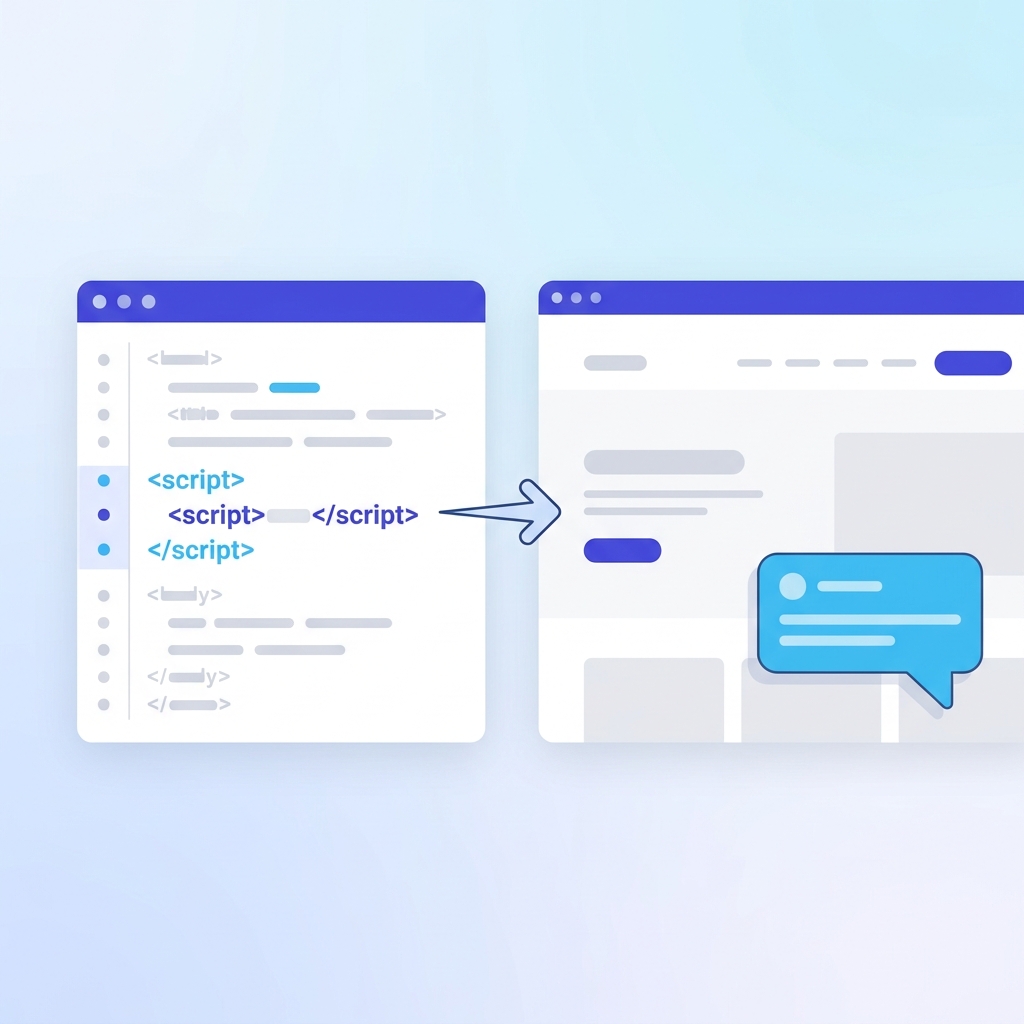
Check that the widget can go into your app with a script tag, and that you can restrict which domains it loads on. Then ask the vendor whether the bot can see who the logged-in user is. Many can’t, ZynfoAI included: it answers from your content, not from the user’s account data. That is fine for how-to questions. It is not enough if you want the bot to change a user’s plan.
Handoff decides whether users trust it
Users accept a bot that says “I’ll get someone from the team” far more readily than one that loops. Look for:
- A clear trigger. The user asks for a person, or the bot recognises a request it shouldn’t handle.
- A summary for your teammate, so the user isn’t asked to repeat the problem.
- Working hours. Outside them, the bot should take details and open a ticket rather than promise a reply that won’t come.
In ZynfoAI, a request the bot should not handle becomes a help-desk ticket; live chat handoff is on the Pro plan. We cover it in how chatbot to human handoff works.
Pricing: per resolution, per seat, or flat
How a platform charges matters more for SaaS than for most businesses, because chat volume grows with signups.
- Per resolution. You pay each time the AI resolves a conversation. Intercom, for example, lists Fin from $0.99 per outcome on its pricing page (as of October 2026). Cheap at low volume, harder to forecast as you grow.
- Per seat. You pay for each teammate in the inbox. Intercom’s seats start at $29 per seat per month on the same page. Engineers and product managers who only join the odd chat still need a seat.
- Flat. One price covers a set number of conversations and seats. ZynfoAI costs from $39 a month, with no per-resolution or per-seat fees. The pricing page has the details.
Work out your own numbers before you compare. Take last month’s support conversations, estimate how many the bot would fully answer, and price each model against that.
When ZynfoAI fits, and when it doesn’t
ZynfoAI suits SaaS teams who want answers from their docs on the website and in the app, demo requests saved as leads and synced to Freshsales, bug reports turned into help-desk tickets, and live chat handoff on the Pro plan.
It is the wrong fit if you need the bot to act on a user’s account (upgrade a plan, reset a workspace) or to run guided product tours. Use a product-tour tool for tours and keep the chatbot for questions.
A five-step rollout
- Pick your sources. Help center, pricing page, plan comparison. Import only the URLs you keep current.
- Write the routing rules. Demo requests become leads. Bugs become tickets. Account changes go to a person.
- Test the awkward messages. “It’s not working.” “Cancel my account.” “Are you GDPR compliant?” Check the bot asks a clarifying question or hands off.
- Go live on the site, then in the app. Start where the volume is.
- Review unanswered questions weekly. Write the missing article, resync, repeat.
Frequently asked questions
What is a SaaS chatbot?
A chatbot built for a software product. It answers how-to, pricing and plan questions from your documentation, captures demo requests for sales and passes bugs and account requests to your team.
Do chatbots for SaaS platforms annoy power users?
They do when they pop up uninvited. Keep the widget closed by default and let users open it when they’re stuck.
Can an AI chatbot answer technical questions about our API?
Yes, if your API docs are among its sources. It answers from what your docs say, so gaps in the docs show up as gaps in the answers.
How do we keep answers current after a release?
Update the article, then resync that source. Check the unanswered questions list after each release.
If you’re comparing tools, our ZynfoAI vs Fin AI comparison covers one of the most common alternatives. For the content side, start with the AI knowledge base guide.
Topics
Tools and guides
Put this into practice
Chatbots vs Static Forms
Replace static contact forms with conversational AI flows that qualify leads as they chat.
Free ToolChatbot ROI Calculator
Calculate your projected cost savings, ticket deflection rate, and revenue impact.
Free ToolFree Schema Markup Generator
Create valid JSON-LD structured data for Google rich snippets in seconds.
FeatureShared Team Inbox
Manage website chat and WhatsApp conversations from one workspace.