WhatsApp Automation 12 min read
WhatsApp AI Chatbot: How It Works, Setup and Costs
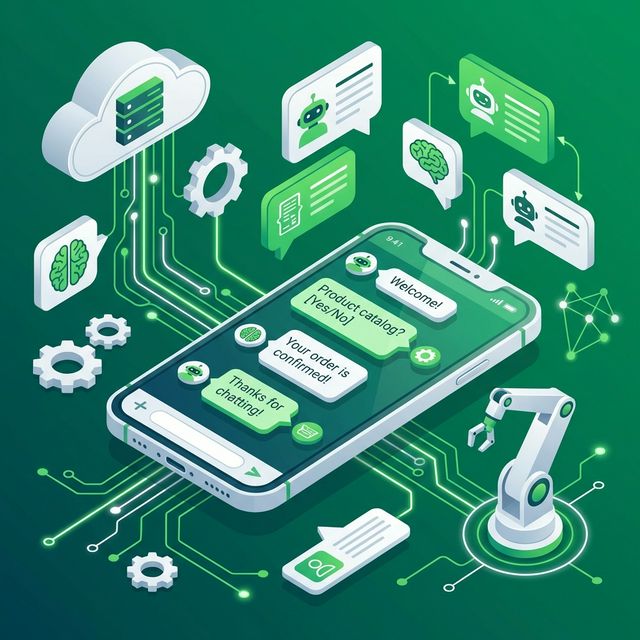
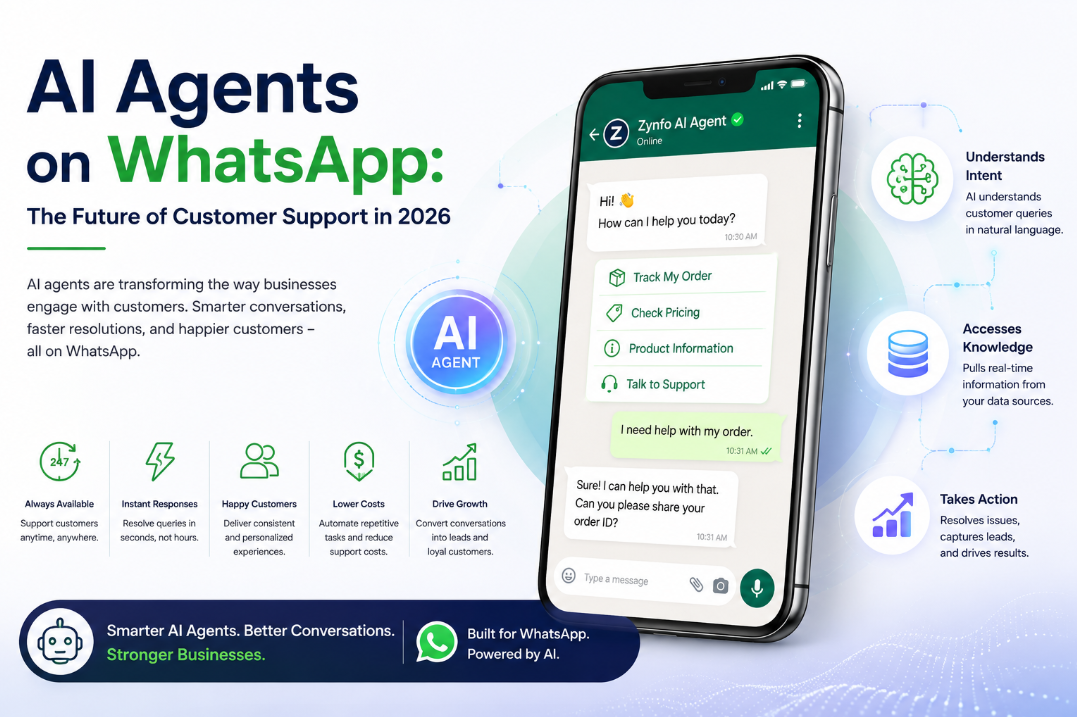
A WhatsApp AI chatbot reads the messages customers send to your WhatsApp Business number and replies for you. It answers in plain language from your own website and documents, can look up things like order status, and passes the chat to a person when it should.
This guide covers what a WhatsApp AI chatbot does, how it works, the difference between the WhatsApp Business app and the API, how to set one up, what it costs, and how to choose a platform. If you are ready to try one on your own number, see how the ZynfoAI WhatsApp AI chatbot for business works.
What a WhatsApp AI chatbot does
Most WhatsApp messages to a business are the same few questions, asked a hundred different ways:
- “Has my order shipped? It’s #1042.”
- “Do you deliver on Sundays?”
- “Can I return this if it doesn’t fit?”
- “Do you have the Ridgeline tent in green?”
- “How much for 15 sleeping mats?”
A WhatsApp AI chatbot answers questions like these on your business number, at any hour. A good one goes further than text:
- Answers from your content, such as your delivery page, returns policy or product guides, and can show where the answer came from.
- Takes actions when it is connected to your systems. For a Shopify store that means checking order and refund status or cancelling an order that hasn’t shipped.
- Collects details like a name, email and what the customer needs, and saves them as a lead in your CRM.
- Sends buttons and lists, so customers tap “Track order” instead of typing.
- Hands off to a person, with a summary, when the question needs one.
How a WhatsApp AI chatbot works
Old WhatsApp bots were menus: “Reply 1 for orders, 2 for returns.” Anything off-script hit a dead end. An AI chatbot reads the whole message instead. “Where’s my order #1042?”, “has 1042 shipped yet” and “still waiting on my tent!!” are the same question to it.
Here is what happens when a customer writes “Do you deliver on Sundays?”:
- The message arrives. Meta’s Cloud API passes it from WhatsApp to the chatbot.
- The agent searches your content. It finds the delivery section of your FAQ.
- It replies. “Yes, we deliver on Sundays between 10am and 4pm. Order by 8pm Saturday.” If there’s an obvious next step, it adds a button.
- It acts, if connected. “Has order #5518 shipped?” becomes a real order lookup, not a guess.
- It hands off when needed. “The zip on my jacket broke” goes to your team, with the chat so far.
WhatsApp Business App vs. WhatsApp Business API
This is the first decision, because an AI chatbot only works with one of them.
The WhatsApp Business App
The free app on your phone. It has a business profile, a catalog, greeting and away messages, and quick replies. You answer every message yourself, and the automatic messages are fixed text that don’t read the question.
Good for: a few chats a day handled by one person. Our WhatsApp auto reply generator helps you write its greeting and away messages.
The WhatsApp Business API
Officially the WhatsApp Business Platform. Meta’s Cloud API sends each incoming message to your software and delivers its replies, so an AI agent can answer and your team can share one inbox. Messages you start outside the 24-hour customer service window must use approved templates.
Good for: any business that wants AI replies, more than one person on chats, or connections to a store or CRM. You no longer need a developer to get access: most platforms connect you through Meta’s Embedded Signup in a few screens.
| WhatsApp Business app | WhatsApp Business API | |
|---|---|---|
| Who replies | You, on your phone | An AI agent, plus your team |
| Automatic replies | Fixed greeting and away messages | Answers that read the question |
| Connections | None | Store, CRM, helpdesk |
| Messages you start | Typed by hand | Approved templates and campaigns |
Real-World Use Cases Across Industries
E-commerce and Direct-to-Consumer (D2C)
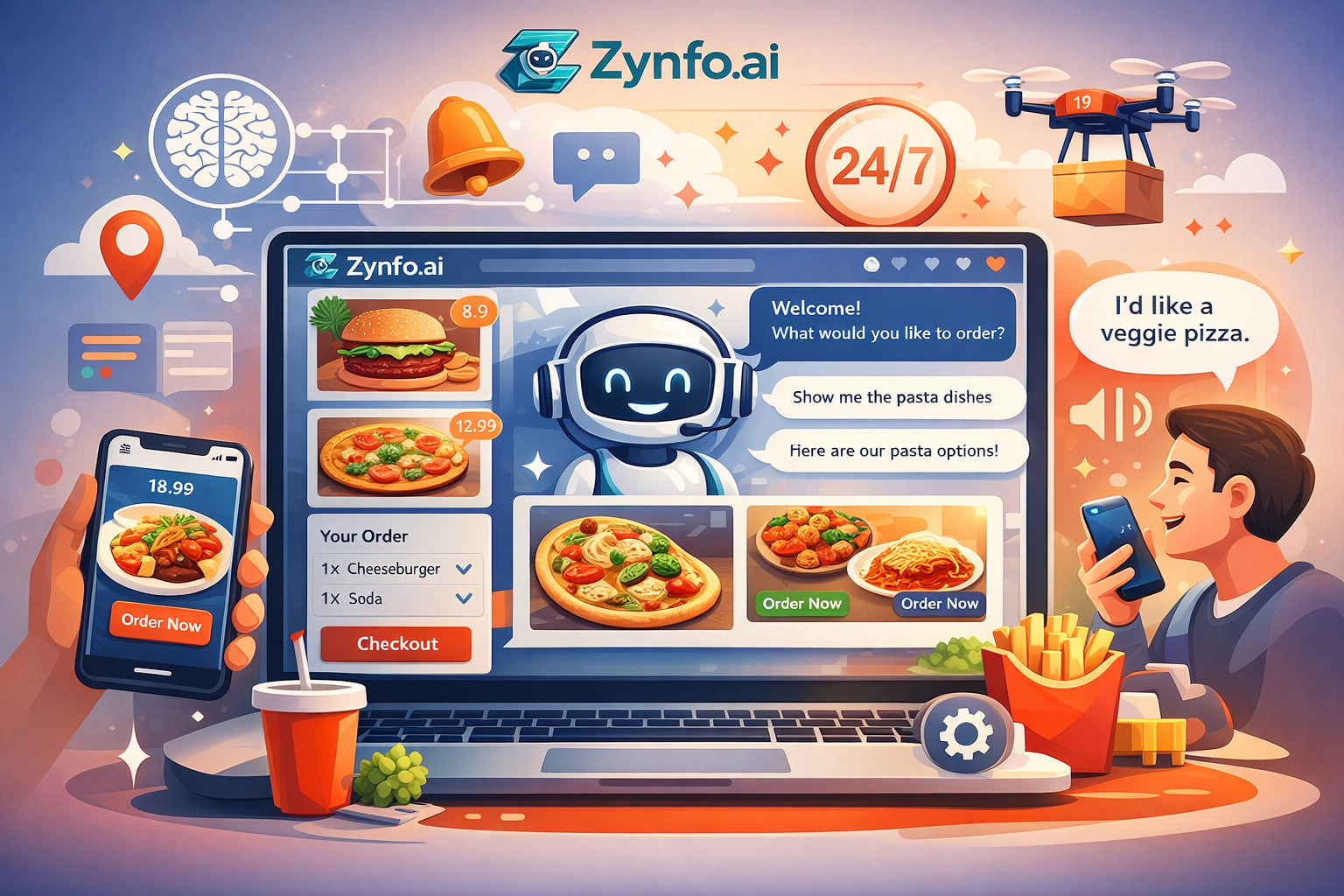
Order status is the question you’ll get most. With Shopify connected, the chatbot checks order and refund status, lists a customer’s orders, cancels unfulfilled orders and recommends products from your catalog. For cash-on-delivery stores, letting buyers cancel before dispatch also cuts returns; see cutting COD RTO with WhatsApp. More in our guide to the ecommerce chatbot.
Services and lead generation
A plumber, clinic or agency gets “How much for…?” messages at all hours. The chatbot answers from your price list, asks for the job details and a phone number, and saves the lead to Freshsales. See our guide to the lead capture chatbot.
Travel and hospitality
Guests ask about check-in times, parking and airport transfers, often from abroad. The chatbot answers from your house rules and replies in the language the guest wrote in. Booking changes go to your front desk.
Education
Prospective students ask about fees, dates and documents. The chatbot answers from your course pages and passes admissions questions to a counsellor.
How handoff to a person works
WhatsApp feels personal. When something has gone wrong, customers want someone real, and a chatbot that traps them in a loop does more harm than no chatbot at all.
A good handoff looks like this. The customer asks for a person, or raises something you told the AI to escalate. The AI writes a short summary and routes the chat to your team within working hours. The teammate who claims it sees the whole WhatsApp thread, and the AI stays quiet until the chat is handed back. Outside working hours, the chatbot can open a ticket, take a message or keep answering.
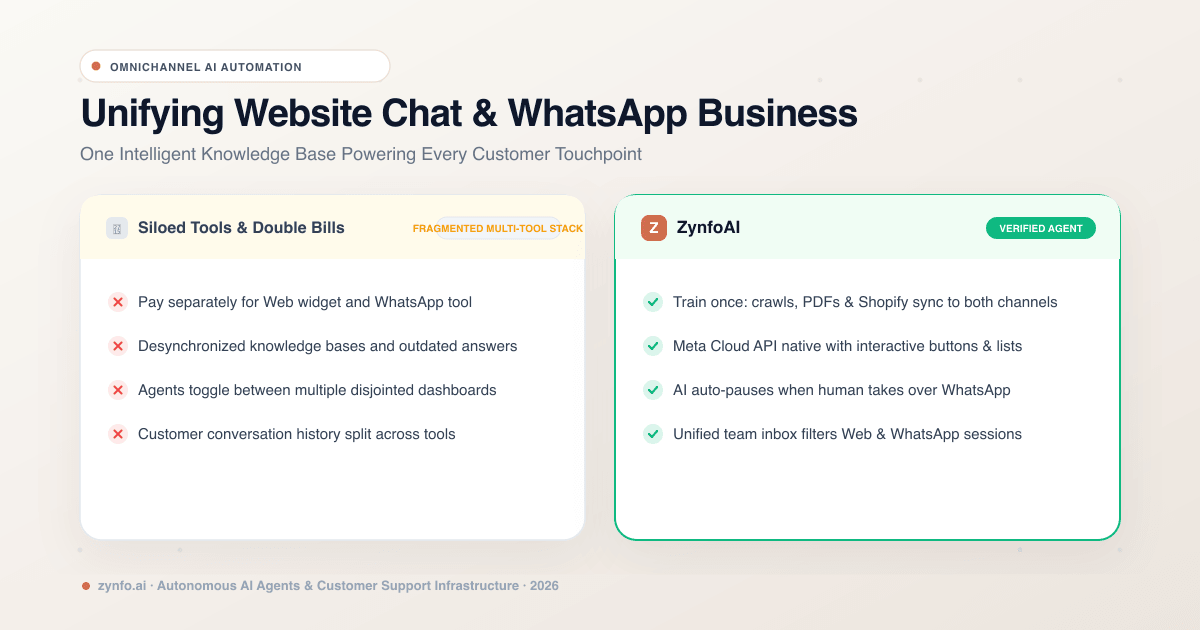
In ZynfoAI this runs through human handoff, with WhatsApp and website chats in one team inbox.
Building Your WhatsApp AI Bot: A Step-by-Step Guide
- Connect your number with Embedded Signup. Log in with your Facebook or Meta business account, pick or create your business portfolio and WhatsApp Business account, verify your phone number and set the display name customers will see.
- Add your content. Website pages, PDFs, Word and Excel files, Google Drive documents and, for stores, your product catalog. Delivery, returns and pricing pages first: they cover most questions.
- Write short instructions. Keep replies to two or three sentences. Offer a button when there’s a clear next step. Always hand off complaints, damaged goods and money questions beyond an order lookup.
- Set up handoff. Turn it on, set your team’s working hours, and decide what happens outside them.
- Test before you go live. Ask your ten most common questions the way customers type them, typos included. Fix wrong answers in the source content, not the instructions.
- Read the first week. Look for questions it couldn’t answer and add the missing content.
Our detailed guide to integrating an AI chatbot with the WhatsApp Business API walks through each step.
What a WhatsApp AI chatbot costs
There are two separate costs.
Meta’s charges. Since July 1, 2025, Meta charges per message. You pay when a template message is delivered, at a rate set by category (marketing, utility or authentication) and the recipient’s country. When a customer messages you, a 24-hour customer service window opens, and replies inside it are free. So the chatbot’s everyday work, answering customers who wrote to you, costs nothing on Meta’s side. Use the WhatsApp pricing calculator for a rough estimate of template costs.
The chatbot platform. Pricing models vary: per seat, per conversation, or per resolution. ZynfoAI is a flat $99 a month or $990 a year, with 5,000 conversations a month across WhatsApp and your website, 11 team seats and a 7-day free trial. See pricing.
Best practices for WhatsApp chatbot replies
- Answer in the first sentence. “Yes, we deliver Sundays, 10am to 4pm” beats a paragraph of thanks.
- Keep it short. WhatsApp is read on a phone, often on the move.
- Offer one next step. WhatsApp reply buttons allow up to three choices.
- Use the customer’s language. If they write in Hindi, reply in Hindi.
- Say when it doesn’t know. A handoff beats a confident wrong answer.
Want to see how a good reply reads? Paste a customer message into the free AI WhatsApp reply generator, or read our guide to automating WhatsApp replies with AI.
Navigating Compliance, Opt-ins, and GDPR
Three rules keep your number in good standing:
- Get opt-in before you message anyone. Meta’s opt-in policy requires you to say clearly that the person is agreeing to messages from your business, and to name the business.
- Use templates for messages you start. Promotions, reminders and updates sent outside the customer service window must be approved templates. Draft them with the WhatsApp template generator.
- Treat chat data like customer data. Tell customers they are talking to an AI, don’t ask for more than you need, and follow the data protection law where your customers are, such as GDPR in the EU.
Meta AI & The Future of Messaging Automation
Meta now offers its own AI for businesses on WhatsApp. In June 2026 it announced Meta Business Agent, which answers questions, recommends products, books appointments and qualifies leads, and Business AI inside the WhatsApp Business app. Our rundown of Meta AI’s WhatsApp features in 2026 covers what each one does, from Meta’s own announcements.
For many small businesses, Meta’s built-in tools are a reasonable first step. A separate platform makes sense when you want one agent on WhatsApp and your website, a shared team inbox, Shopify order actions or CRM sync. The wider trend is in our post on conversational AI on WhatsApp.
How to choose a WhatsApp AI chatbot platform
Ask these before you sign up:
- Does it answer from my content, and show the source? You should be able to check where an answer came from.
- Can a person take over, with the context? Look for a summary, routing to your team and the AI pausing while they reply.
- Does it connect to my store or CRM? Order lookups and lead sync are where the time savings are.
- Does it cover my website too? One agent on both channels means one set of answers. See one AI chatbot for your website and WhatsApp.
- What will the whole thing cost? The platform price plus Meta’s template charges.
When ZynfoAI is not the right fit: if you need email, Instagram or Messenger in the same inbox, or a voice bot, ZynfoAI doesn’t cover those. It covers your website and WhatsApp.
Frequently asked questions
Which WhatsApp chatbot platform supports automation with human agent takeover? Several do. In ZynfoAI, the AI answers routine questions, and when a customer needs a person it writes a summary and routes the chat to your team. The teammate who claims it sees the full history, and the AI pauses while they reply.
Can the AI hand off to a human on WhatsApp without losing context? Yes, if the platform keeps the thread and writes a summary. In ZynfoAI the whole WhatsApp conversation stays in the shared inbox, along with the customer’s profile and previous conversations.
Can a WhatsApp AI chatbot answer FAQs, collect applications and send follow-ups? It can answer FAQs from your content and collect details like a name, email and phone number in the chat. Follow-up messages you start later must be approved templates sent to people who opted in. ZynfoAI sends those as campaigns.
Can it answer product questions and check stock? It answers from your product catalog and pages. With Shopify connected, ZynfoAI also checks order status and saves back-in-stock requests for your team.
How do I integrate an AI chatbot with the WhatsApp Business API? Connect your number through Meta’s Embedded Signup from your chatbot platform, add your content, set handoff rules and test. Our step-by-step integration guide covers it.
Is there a free WhatsApp AI chatbot? Meta says getting started with its Business Agent is free, with paid plans to come. Third-party platforms usually charge; ZynfoAI has a 7-day free trial. Meta’s template charges apply either way.
Does it work with Shopify? Yes. With the ZynfoAI Shopify app, the chatbot checks order and refund status, cancels unfulfilled orders and recommends products on WhatsApp.
Further reading
- WhatsApp chatbots for small businesses in 2026
- The WhatsApp integration, screen by screen
- Free tools: WhatsApp link generator, QR code generator and website widget generator
When you’re ready to put AI on your own number, start with the ZynfoAI WhatsApp AI chatbot for business: setup, pricing and handoff in one place.
Tools and guides
Put this into practice
AI WhatsApp Reply Generator
Generate high-converting, professional WhatsApp sales and support replies with AI.
SolutionWhatsApp AI Chatbot Platform
Automate customer support and sales over official WhatsApp Business API.
Free ToolWhatsApp Chat Widget Generator
Build a custom floating WhatsApp button to embed on WordPress or Shopify.
FeatureAI with Human Handoff
Escalate complex chats to live agents with complete conversation context.