Knowledge Base 7 min read
AI Knowledge Base Software: How to Choose (2026)

AI knowledge base software takes the documents you already have, such as help articles, policies, PDFs and spreadsheets, and lets people ask them questions in plain words. Instead of a list of search results, they get the answer, ideally with a link to the page it came from.
Most tools in this category look the same in a demo. The differences show up later: when a policy changes, when a customer asks something your docs don’t cover, or when someone needs to know where an answer came from. This checklist covers those moments.
We make ZynfoAI, so we’ll say where it fits and where it doesn’t. For the product itself, see our AI knowledge base page.
How AI knowledge base software works
Almost every tool uses the same method, called retrieval-augmented generation (RAG). It has two steps.
- Find. Your documents are split into passages and indexed by meaning. When someone asks “Can I send it back after three weeks?”, the software finds the passage about your 30-day return window, even though none of the words match.
- Write. A language model writes a reply using those passages, then links the source.
The quality of the answers depends far more on step one, and on the documents you give it, than on which model writes the reply. That’s why most of the questions below are about your content, not the AI.
Nine questions to ask before you choose
1. Can you choose exactly what it learns from?
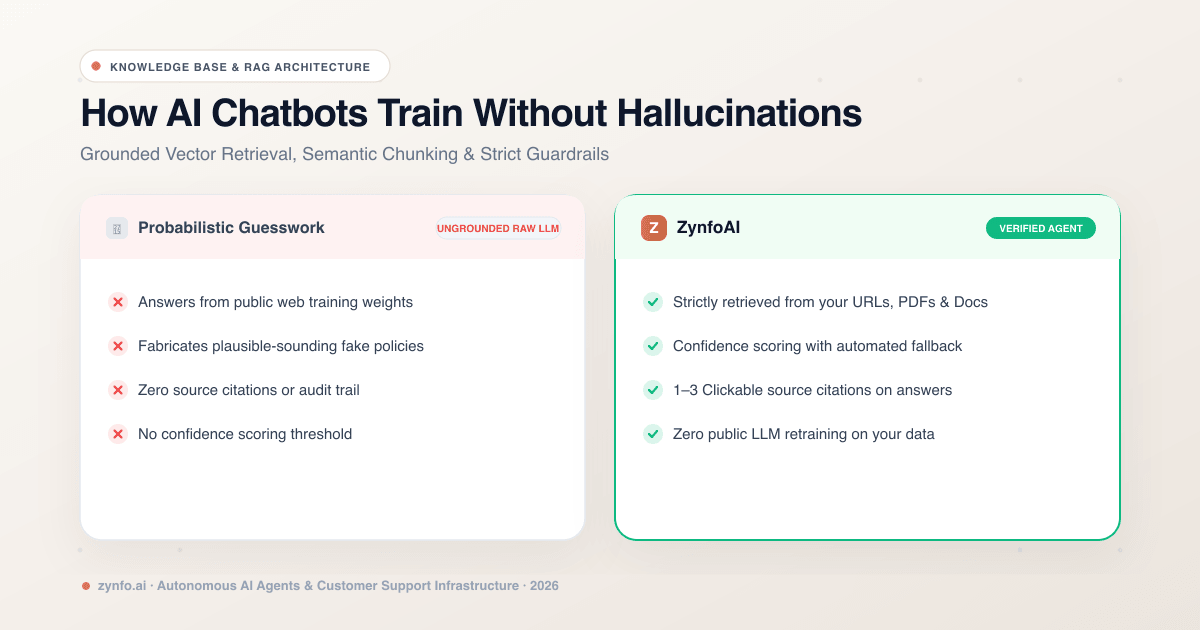
You want control at the level of a single page or file. A website import that grabs every URL will include old blog posts, job ads and draft pages, and the agent will quote them.
In ZynfoAI, the crawler finds your sitemap, follows links and respects your site’s robots.txt, then lets you tick the pages to import. You can upload PDF, Word and Excel files, and pick individual Google Docs and Sheets from Google Drive. The plan includes up to 500 sources.
2. Does every answer show its source?
Source links are how a customer, or your own team, checks an answer without asking you. They’re also how you trace a wrong answer back to the document that caused it.
Ask whether sources show on every channel, not just the website. ZynfoAI can show one to three source links under each reply.
3. What happens when the answer isn’t in your documents?
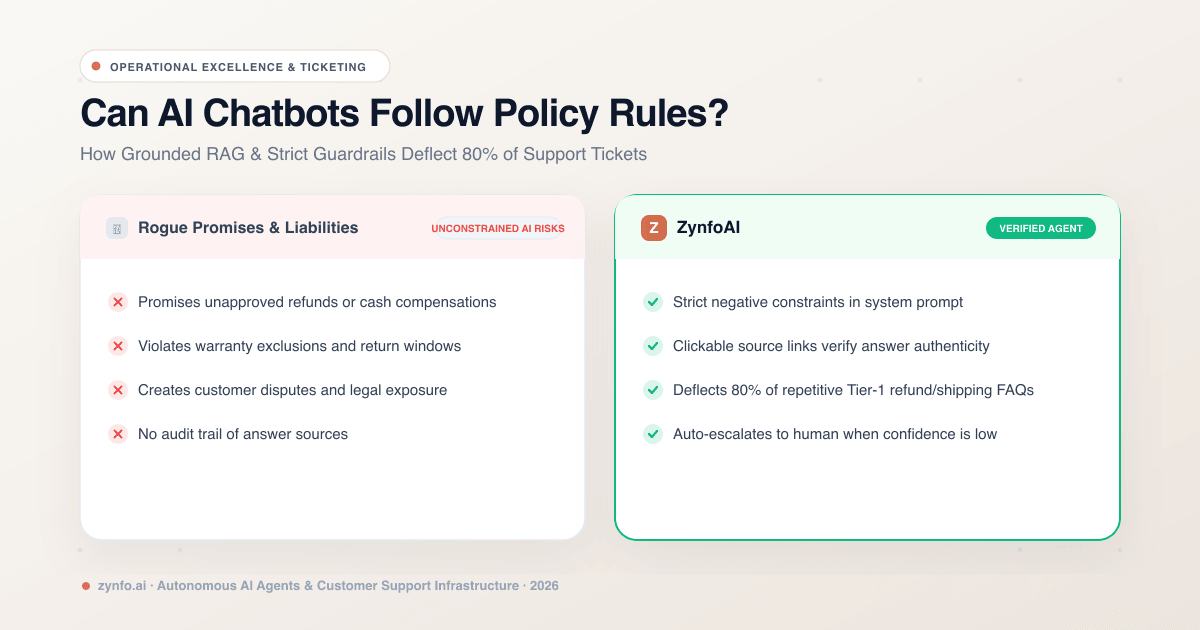
This is the most important question, and demos rarely show it. A good tool says it doesn’t know and offers a next step. A bad one fills the gap with something plausible.
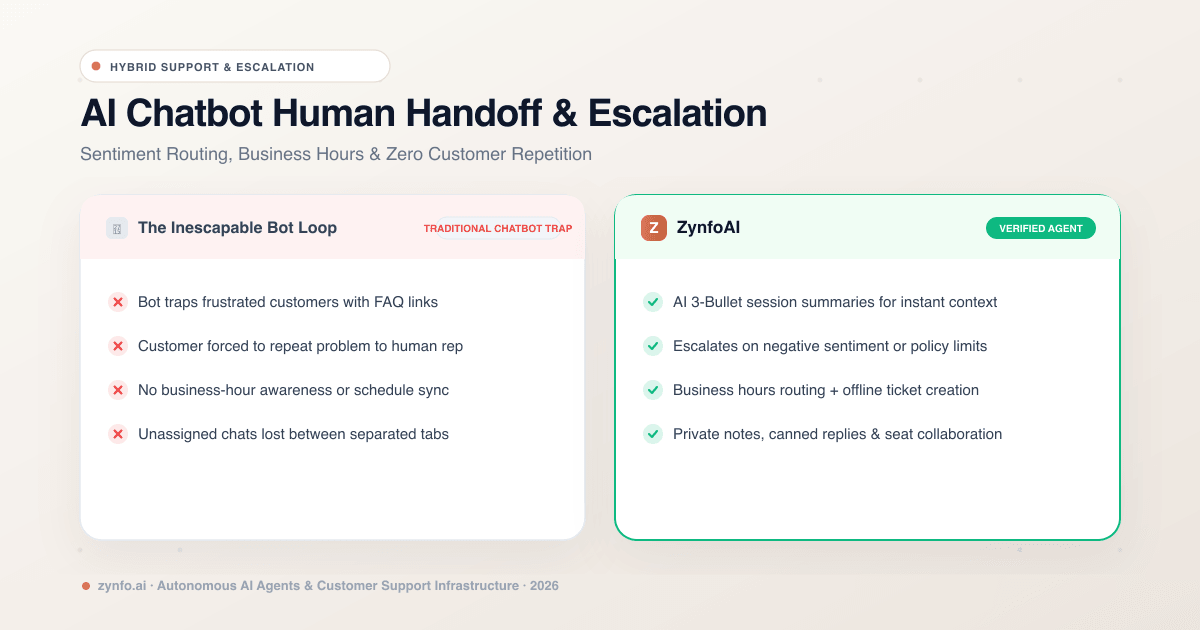
Ask to see a question your docs don’t cover. In ZynfoAI, the agent sends the fallback message you write, and can hand the chat to your team. See how chatbot to human handoff works when that happens.
4. How does it update when a document changes?
Some tools re-check sources on a schedule. Others, including ZynfoAI, update when you click Resync on a source. Manual resync means you decide when a change goes live, but it only works if someone owns each document. Ask who will click it, and make it part of your policy-change routine.
5. Where can people ask it?
A knowledge base people have to go looking for gets used about as much as your current help center. Put the answers where questions already arrive: the website chat, WhatsApp, and your team’s chat tool.
ZynfoAI answers in your website chat widget, and on WhatsApp through the WhatsApp Business API, both from the same sources.
6. Who can see what?
Tools built for large companies sign employees in and check permissions per document. Tools built for customer support usually don’t, because the content is meant for customers anyway.
ZynfoAI is in the second group. It doesn’t apply per-person permissions. You control which documents it learns from and, with Allowed Domains, which sites the chat appears on. If you need HR to see payroll answers but not the rest of the company, choose a tool with document-level permissions.
7. How does it handle instructions hidden in content?
A web page or uploaded file can contain text written to steer an AI, known as indirect prompt injection. Ask vendors what they do about it. ZynfoAI has built-in guardrails against prompt injection, and you should still only add documents you trust.
8. Can you see what it couldn’t answer?
The list of unanswered questions is the most useful report a knowledge base produces. It tells you which article to write next. ZynfoAI shows Unanswered Questions and Trending Topics on the dashboard, alongside the ratings customers leave at the end of a chat.
9. How is it priced as you grow?
Some tools charge per resolved conversation, others per seat, others a flat plan. Work out what a busy month costs, not an average one.
ZynfoAI is one plan: $99 a month or $990 a year, with 5,000 conversations a month, 11 team seats and a 7-day free trial. Details are on the pricing page.
Customer-facing or internal?
The same software can serve two very different audiences, and the setup differs.
- Customers. Help articles, return and shipping policies, product details. Success means fewer repeat questions reaching your team. See the customer support knowledge base guide, or the SaaS knowledge base page if your users need answers from product docs.
- Employees. Handbooks, IT guides, expense rates. Success means fewer questions in someone’s DMs. See the internal knowledge base for employees, and AI knowledge management for keeping the documents current.
Start with one. The habits you build there, such as owning documents and reading unanswered questions, carry over to the second.
Test it in a week
A free trial is enough to decide, if you test with real questions rather than the ones that make the product look good.
- Day 1. Add the ten pages or files that answer most of your questions.
- Day 2. Pull twenty real questions from recent chats or tickets, typos and all. Ask each one and check the answer against the source.
- Day 3. Ask five questions your documents don’t cover. Every one should get your fallback, not an invented answer.
- Day 4. Change a document, resync it, and ask again.
- Days 5 to 7. Put it live on one channel and read every conversation.
If a tool fails day 3, don’t buy it, whatever else it does well.
When ZynfoAI is not the right fit
- You need per-employee document permissions or single sign-on for the assistant.
- Your knowledge lives in Notion or Confluence and you want a live connection. ZynfoAI doesn’t connect to either directly.
- You need sources to update on a schedule without anyone clicking Resync.
- Your customers mostly reach you by email. ZynfoAI answers on your website and WhatsApp, not email.
Frequently asked questions
Is AI knowledge base software the same as ChatGPT?
No. A general chatbot answers from what it learned on the public internet. AI knowledge base software answers from the documents you give it and links them. When your documents don’t cover a question, it should say so.
Can it answer in other languages?
ZynfoAI replies in the language the customer writes in, using your documents as the source. Test the languages your customers actually use before you go live.
Do I need a developer?
Not for ZynfoAI. You add sources in the dashboard, test in the Playground, and paste one script tag on your website. WhatsApp connects through Meta’s Embedded Signup.
What should I add first?
The documents behind your most-asked questions. Ten good, current sources beat two hundred old ones.
When you’re ready to see this on your own content, the AI knowledge base software overview shows each source type and how answers link back to it.
Tools and guides
Put this into practice
AI with Human Handoff
Escalate complex chats to live agents with complete conversation context.
Free ToolChatbot ROI Calculator
Calculate your projected cost savings, ticket deflection rate, and revenue impact.
FeatureShared Team Inbox
Manage website chat and WhatsApp conversations from one workspace.
Free ToolAI FAQ Generator
Turn documents, manuals, and URLs into structured FAQs and schema markup.