AI Agents 9 min read
What Is an AI Chatbot? How It Works for Customer Service

An AI chatbot is software that reads a question written in plain language and writes a reply. In customer service, it answers your customers in a chat window from your own help content, and passes the conversation to a person when it can’t or shouldn’t answer. This guide covers how it finds answers, what to hand it, what to keep and how to tell if it’s working.
If you’ve already decided you want one and need a day-to-day plan, read our shorter playbook on using an AI customer support chatbot to cut repeat tickets. To see the product working on a website and WhatsApp, go to the AI customer support agent page.
What an AI chatbot is, and how it differs from older bots
Older chatbots were decision trees. You clicked “Shipping”, then “International”, then read a canned paragraph. Type something the tree didn’t expect and it broke. Nielsen Norman Group’s usability research found exactly that: people got frustrated when bots couldn’t handle anything outside the script, or forgot what they’d been told earlier in the chat.
A modern AI chatbot works differently. It reads the customer’s message in plain language, searches the content you gave it, and writes a reply from what it found. “Do you ship to Canada, and is duty included?” gets one answer covering both parts.
Three things make it useful for support:
- It answers from your content. That means your help center, policy pages, PDFs and docs, rather than the open internet.
- It can look things up. A connected store lets it check an order instead of explaining how to check one.
- It knows when to stop. It hands the chat to your team with the context, instead of guessing.
How it finds an answer
A customer writes: “Can I return the jacket I bought three weeks ago?” In a well-built system, four things happen.
- It searches your sources for the passages about returns, time limits and condition.
- It writes a reply from those passages only. “Unworn items can be returned within 30 days of delivery.”
- It shows where the answer came from. A link to the returns page lets the customer, and you, check it.
- If nothing relevant turns up, it says so. It sends the fallback message you wrote, such as an offer to connect a teammate.
This pattern is usually called retrieval-augmented generation. In practice, answers are only as good as the content you feed it. A vague returns page produces vague answers. We go deeper in how AI chatbots train on business data without making things up.
In ZynfoAI you add sources from your website pages, uploaded PDF, Word and Excel files, and Google Docs or Sheets from Google Drive. Together they form your AI knowledge base, and every answer can link back to the source it used.
What to hand to the AI, and what to keep
Most support inboxes are dominated by a short list of repeat questions. Those are what the AI should take.
Good fits for the AI:
- “Where’s my order #1042?”, when your store is connected and it can look up the status.
- Returns, exchanges and refund rules that are written down.
- Shipping countries, delivery times and costs.
- Product questions: sizing, compatibility, what’s in the box.
- Setup and how-to steps from your docs.
- Opening a ticket with the customer’s details when something needs follow-up.
Keep these with your team:
- Refund exceptions and goodwill gestures. The policy says 30 days; the loyal customer on day 34 is a judgment call.
- Billing errors and duplicate charges.
- Anything legal, medical or safety-related.
- Angry customers who have already been bounced around once.
A useful test: if a new hire could answer it correctly by reading your help center, the AI can too. If a new hire would need to ask a manager, route it to a person.
Handoff decides whether customers trust it
Customers will talk to an AI as long as they can reach a person when they need one. The chatbot should hand off early, and the person who picks up should never have to ask “Can you explain the problem again?”
A good handoff does three things:
- Recognises the moment. The customer asks for a person, or the question needs one.
- Passes the context. The full conversation plus a short summary, so your teammate starts informed.
- Respects your hours. Inside working hours the chat goes to the team queue. Outside them, the customer is told when you’re back and can leave their details, or a ticket is opened.
In ZynfoAI, a question the AI cannot answer becomes a help-desk ticket for your team. Live chat handoff is on the Pro plan: the AI writes the summary and routes the chat to your team (round-robin, to whoever is least busy, or to everyone at once), and unclaimed chats go back to the queue. The human handoff page walks through the whole flow.
Put it where customers already ask
- Your website. A chat widget added with one script tag. It catches pre-sale questions and “where’s my order” visits.
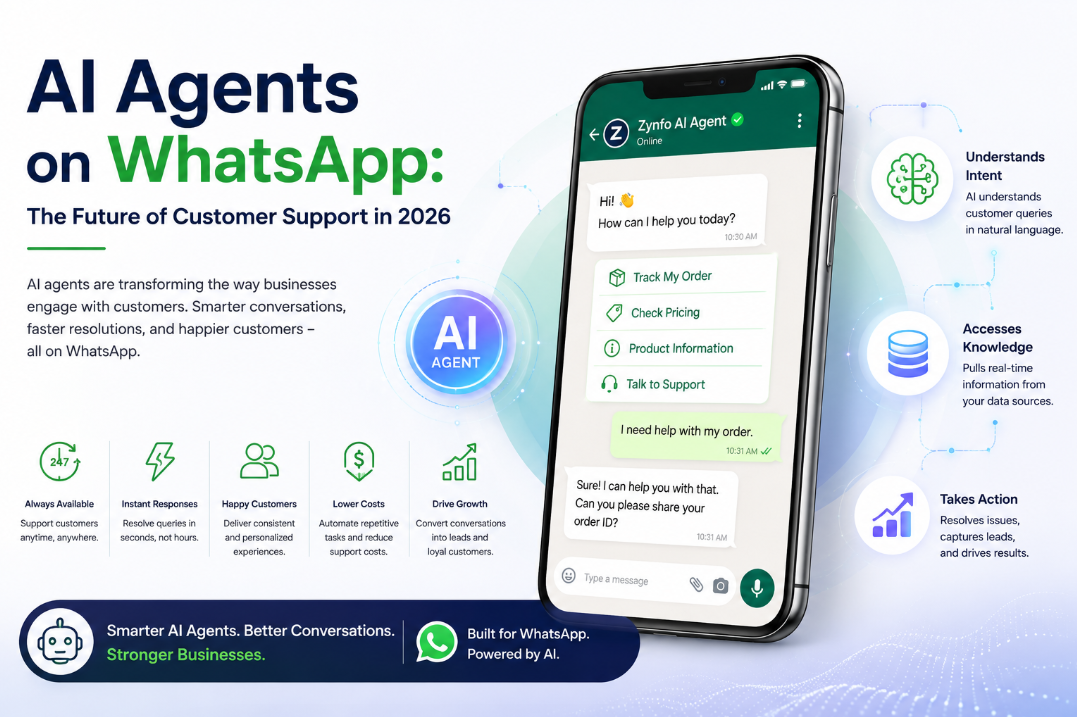
- WhatsApp. In many markets customers would rather message a business than email it. A WhatsApp AI chatbot answers there from the same knowledge. Our WhatsApp AI chatbot guide covers setup and Meta’s rules.
- Your store. Connected to Shopify, the AI helps customers find products in your catalog and checks order status. The ecommerce chatbot guide covers store setups.
A rollout plan that won’t embarrass you
You don’t need a six-month project, but you do need a careful first week.
1. Pull your top questions. Export the last month of tickets or chats and group them. A handful of question types usually covers most of the volume. That’s your starting scope.
2. Fix the content before you connect it. If your returns page has two contradicting time limits, the AI will find both. Clean up the pages it will read.
3. Write short instructions. Who it is, what tone to use, what it must never do. “Never promise a refund. Never quote a delivery date that isn’t in the order data.” Short and specific beats a page of adjectives.
4. Test it like a difficult customer. Ask your top questions. Then ask things it shouldn’t answer, ask for a manager, and try to talk it into a discount. Prompt injection, where someone tries to rewrite the bot’s instructions through the chat, is a known risk: OWASP ranks it first in its Top 10 for LLM applications. Include it in your test.
5. Turn on handoff and set your hours. Before launch, not after the first complaint.
6. Launch, then read the misses every week. The questions it couldn’t answer are a to-do list for your help center. Add the missing article, resync the source, and it can answer next time.
How to tell if it’s working
Skip vanity numbers like “messages handled”. Watch these instead:
- Unanswered questions. What triggered the fallback message. This list should shrink.
- Handoffs by topic. Rising handoffs on one topic usually mean a missing or unclear doc.
- End-of-chat ratings. Low ratings show where the answer was technically right but unhelpful.
- Repeat contacts. If customers come back about the same issue, the first answer didn’t settle it.
Large companies have published big results. Klarna said in 2024 that its AI assistant handled two-thirds of its customer service chats in the first month. Your results depend on how repetitive your questions are and how good your docs are, so measure your own baseline before and after.
When an AI chatbot is the wrong tool
- Every conversation is unique. High-touch consulting or complex B2B deals don’t have a repeat pattern to automate.
- Your answers aren’t written down. The AI can’t answer from knowledge that lives only in someone’s head. Write it down first.
- You need phone support. A chat AI doesn’t answer calls.
- Nobody will look at it after launch. It improves when someone reads the misses and fixes the docs. Without that, it stalls.
Questions people ask before buying
Will an AI chatbot replace my support team? It takes the repeat questions, so your team spends its time on conversations that need judgment. Most growing businesses use it to cover evenings and weekends and to stop answering the same five questions all day.
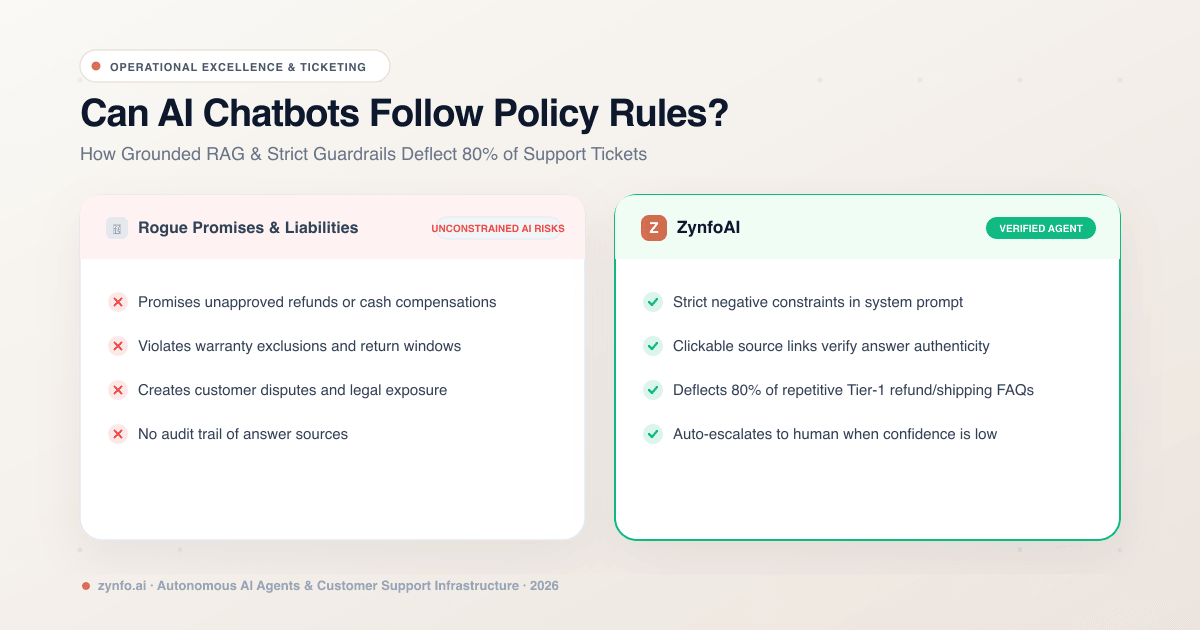
Will it make things up? It can, if it’s allowed to answer without a source. Set it to answer only from your content and to send a fallback when nothing matches. Showing the source under each answer makes mistakes easy to spot and fix.
How long does setup take? Adding your website and a few documents is quick. The real time goes into cleaning up content and testing the hard questions. Plan for that first week.
What does it cost? Vendors charge per resolution, per seat or a flat monthly fee. ZynfoAI costs from $39/month, with no per-resolution fees; see pricing for what’s included.
Where to go next
- For a hands-on plan for your support desk: AI customer support chatbots that cut repeat tickets.
- To see the agent, the inbox and handoff together: the AI customer support agent.
- To build the content it answers from: the AI knowledge base.
Topics
Tools and guides
Put this into practice
AI with Human Handoff
Escalate complex chats to live agents with complete conversation context.
Free ToolChatbot ROI Calculator
Calculate your projected cost savings, ticket deflection rate, and revenue impact.
FeatureShared Team Inbox
Manage website chat and WhatsApp conversations from one workspace.
Free ToolAI FAQ Generator
Turn documents, manuals, and URLs into structured FAQs and schema markup.