AI Agents 5 min read
What Is Agentic AI? A Plain-English Guide for Businesses
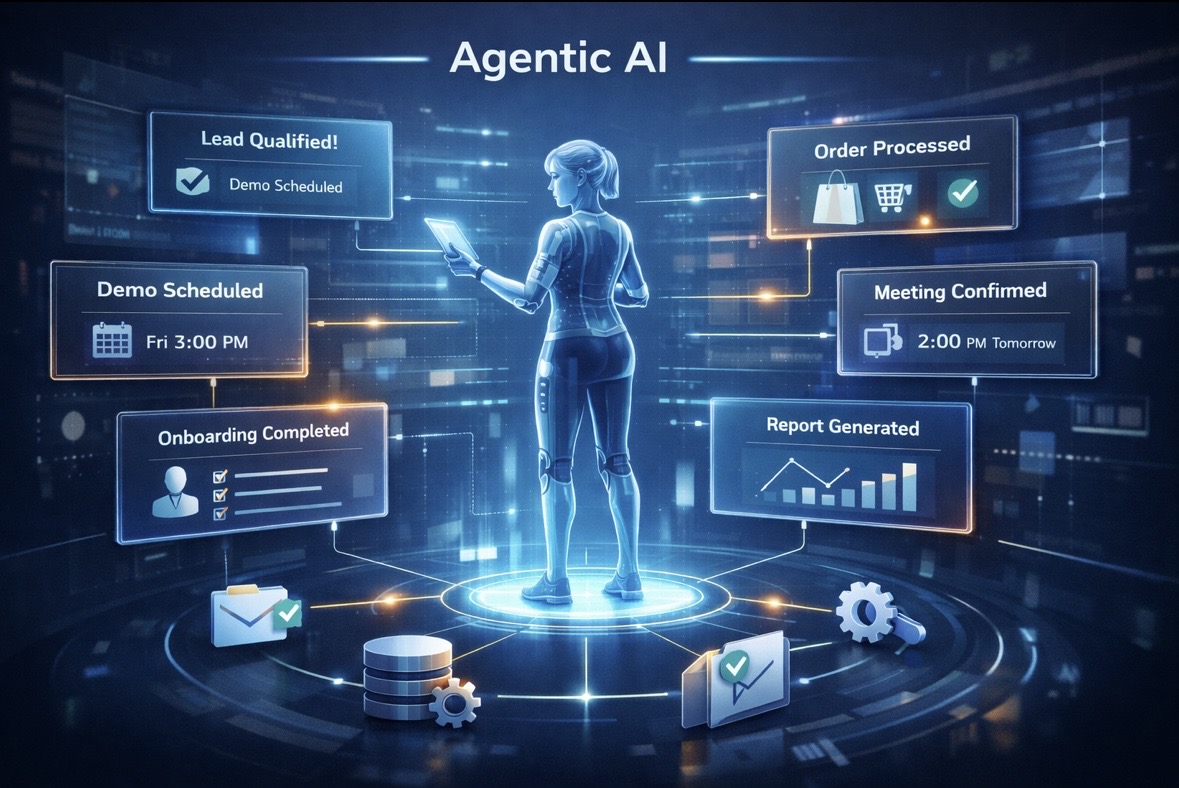
Agentic AI is AI that works towards a goal by choosing its own next step and using tools to take it. A chatbot answers your question. An agent answers, then looks up the order, notices it hasn’t shipped, and offers to cancel it.
The useful definition comes from Anthropic’s engineering guide on building agents. It separates workflows, where “LLMs and tools are orchestrated through predefined code paths”, from agents, where “LLMs dynamically direct their own processes and tool usage” (Anthropic: Building effective agents). Most business systems that get called “agentic” today are a mix of the two.
This guide explains what that means for a growing business, where agents help, and where you should keep them on a short lead.
Chatbot, workflow, agent: the difference
| Feature | Zynfo AI | A chatbot that only answers |
|---|---|---|
| What it does | Answers and acts on the request | Answers from text |
| Uses your systems | Store, CRM, helpdesk | No |
| Decides the next step | Within limits you set | No, one reply per question |
| When it's stuck | Opens a help-desk ticket for your team | Repeats itself or gives up |
A concrete example. A customer writes: “I ordered the wrong size. Can I change it?”
- A chatbot explains your exchange policy and links the returns page.
- A workflow asks for the order number, then always runs the same steps.
- An agent reads the policy, looks up the order, sees it hasn’t been fulfilled, and offers to cancel it so the customer can reorder. If it had already shipped, it would explain the return process and log a return request for your team instead.
The agent’s advantage is that it picks the path based on what it finds. The risk is the same thing.
The four parts of an agent
Every agentic system has roughly the same pieces:
- A model that reads the request and decides what to do.
- Knowledge it can look up: your website, policies and documents. For support, this is your AI knowledge base.
- Tools it can call: look up an order, save a lead, create a ticket.
- Limits: what it may do alone, what needs a person, and when to stop.
The fourth part gets the least attention and matters most.
Where agents help a growing business
The best early uses share two traits: the request repeats, and the action is low-risk or easy to undo.
- Order questions. “Where’s my order?” “Can I cancel it?” An agent connected to your store answers with the real status. See our ecommerce chatbot guide.
- Leads. A visitor asks about pricing; the agent answers, asks the questions your sales team would ask, and saves the lead to your CRM. The lead capture chatbot guide covers the details.
- Support intake. When something needs a person, the agent collects the details and opens a ticket, so your team doesn’t start from zero.
- Escalation. It recognises when a customer wants a human and passes the request on with the context.
For a closer look at the actions themselves, read can AI chatbots take actions in your CRM and helpdesk.
The risks, stated plainly
Agents that can act can also act wrongly. Three risks are worth planning for.
It does something it shouldn’t. Prompt injection, where crafted input changes the model’s behaviour, is the first entry in OWASP’s Top 10 for LLM applications. Its advice: restrict access to the minimum necessary and keep human approval for privileged operations (OWASP: LLM01 Prompt Injection).
It answers from nothing. Without your content to read, a model fills gaps with plausible text. Grounding answers in your documents fixes most of this; we explain how in how AI chatbots train on your data without hallucinating.
It’s more complex than it needs to be. Anthropic’s guide recommends starting with the simplest solution and adding multi-step agent behaviour “only when simpler solutions fall short.” For most support teams, good answers plus three or four well-chosen actions beat an elaborate autonomous system.
How ZynfoAI approaches it
ZynfoAI gives you one AI agent that works on your website chat widget and WhatsApp Business, from $39 a month with no per-resolution fees.
The limits are deliberate:
- It answers from your website, documents and Shopify catalog, and shows the source.
- Its actions are specific: Shopify order tracking, product search, lead capture and help-desk tickets.
- Refund, return and cancellation requests become tickets for your team to decide.
- Anything it can’t answer becomes a help-desk ticket. Live chat handoff to your team during working hours is on the Pro plan.
That’s agentic AI sized for a growing business: useful on day one, with you in charge of anything that costs money.
To see where this leads for your website as a whole, read the future of websites with AI agents.
Topics
Tools and guides
Put this into practice
Free Schema Markup Generator
Create valid JSON-LD structured data for Google rich snippets in seconds.
SolutionChatbots vs Static Forms
Replace static contact forms with conversational AI flows that qualify leads as they chat.
Free ToolChatbot ROI Calculator
Calculate your projected cost savings, ticket deflection rate, and revenue impact.
FeatureAI with Human Handoff
Escalate complex chats to live agents with complete conversation context.