Can AI Chatbots Take Actions? How Agentic Workflows Sync CRMs, Helpdesks & E-Commerce
Sachin
In this article
Share Knowledge
When teams first encounter AI chatbots, they frequently harbor a healthy skepticism:
“Our customers don’t just want generic answers from an FAQ. They want to check the delivery status of an order, cancel an accidental purchase, or have their support ticket created in our helpdesk. Can an AI chatbot actually take actions, or does it just spit out text?”
This question defines the divide between first-generation generative chatbots and modern agentic AI systems.
While a basic Q&A chatbot is limited to regurgitating paragraphs from your help docs, an agentic AI assistant is equipped with system tools, structured forms, and native API connectors that allow it to read and write directly to your core business software.
In this guide, we explore the exact mechanics of how agentic AI executes real-time workflows across CRMs, helpdesks, and e-commerce platforms.
Static FAQ Bots vs. Agentic Action-Oriented AI
To understand the difference, consider how both systems handle a routine e-commerce request: “Where is my package?”
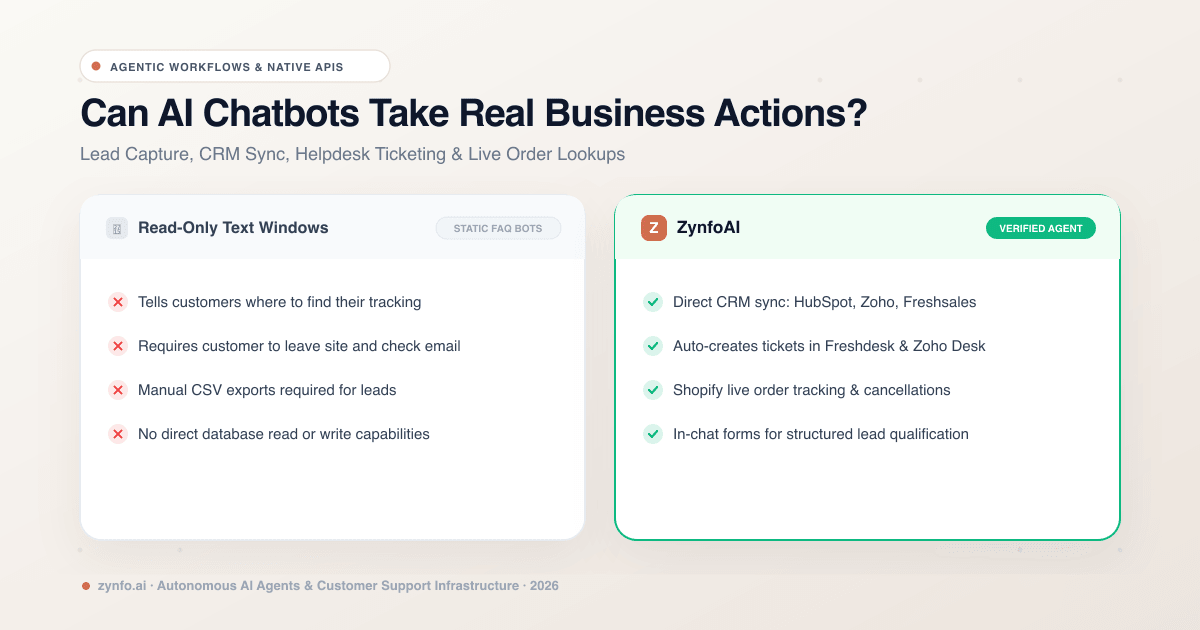
| Feature | Zynfo AI | Static FAQ Chatbots |
|---|---|---|
| Order Tracking | Live carrier milestones in chat in <3 seconds | Sends generic link to external portal |
| CRM Lead Sync | Native real-time sync (HubSpot, Zoho, Freshsales) | Manual CSV exports or no sync |
| Helpdesk Dispatch | Auto-creates prioritized ticket with full context | Dumps inquiry into unmonitored inbox |
| Shopify Actions | Cancel unfulfilled orders & check inventory live | Cannot touch store backend |
| Workflow Builder | Visual drag-and-drop branching + sandbox tests | Rigid static decision trees |
The difference is API execution. The agentic bot doesn’t tell the customer how to find their data—it fetches it and performs the required task on their behalf.
3 Core Action Workflows Built into ZynfoAI
Under the hood, an agentic AI utilizes structured intents and visual workflow logic to trigger four specific categories of operational actions:
1. In-Chat Lead Capture & CRM Synchronization
Rather than forcing prospects into long contact forms or static booking pages, the AI agent qualifies visitors during conversational discovery and captures structured lead fields directly in the chat widget:
- First & last name, verified email, phone number, company size, and budget intent.
- Automated CRM Sync: Leads are instantly pushed into your connected CRM—including HubSpot, Zoho CRM, or Freshsales—complete with conversation transcripts, lead scoring status, and activity timelines.
- Eliminates manual CSV exports and ensures your sales team receives enriched context the moment a high-intent buyer speaks to the bot.
Automated Lead Qualification Pipeline:
- Visitor Inquires: Prospect asks about enterprise features, pricing tiers, or implementation.
- In-Chat Discovery: AI qualifies requirements, team size, and timeline, then captures verified contact details.
- Native CRM Sync: Enriched lead profile with transcript pushes directly into HubSpot, Zoho CRM, or Freshsales.
- Sales Notification: Account executives receive an immediate notification with complete conversational context.
2. Helpdesk Ticket Creation & Status Inquiries
When an issue requires specialized human engineering or RMA processing, the AI agent transitions from self-service into an automated intake coordinator:
- Collects diagnostic details, reproduction steps, or order numbers.
- Checks live ticket status when returning customers ask for updates.
- Native Helpdesk Dispatch: Directly opens a prioritized support ticket inside Freshdesk or Zoho Desk, assigning appropriate tags, customer email, and full conversational context.
- Your support engineers open their existing helpdesk queue and see a fully documented ticket with zero duplicate data entry.
3. Native E-Commerce Operations (Shopify & WooCommerce)
For online stores, repetitive transactional inquiries make up 60% to 70% of all incoming tickets. Native e-commerce agents resolve these autonomously:
- Order Lookup: Checks real-time shipping carrier tracking and order milestones.
- Refund Status: Explains the exact refund stage and original payment method.
- Order Cancellation: Automatically cancels an unfulfilled order in Shopify if it falls within your store’s cancellation window policy.
- Product Catalog Search: Pulls live product cards with images, pricing, and direct checkout links based on natural language shopper preferences.
- WooCommerce: Connects to your store to read live product availability and order details.
Empower Your AI with Agentic Actions
Connect HubSpot, Zoho, Freshdesk, and Shopify to ZynfoAI. Start executing real-time lead capture and support workflows automatically.
Visual Workflow Builder: Customizing Business Logic Without Code
Different businesses have unique operating procedures. An AI agent shouldn’t be a black box where you cannot control how conversations branch.
With modern visual workflow builders (like ZynfoAI’s Automate suite):
- Trigger on Conditions: Create branching paths based on keywords, visitor country, or returning customer status.
- Interactive Elements: Serve customers rich interactive elements, such as quick-reply option buttons, product cards, or order carousels.
- Draft & Version Control: Test workflow drafts safely in an isolated sandbox playground before hitting Publish, with complete rollback version history.
Guardrails: How Does the AI Avoid Making Mistakes?
Giving an AI system write access to databases naturally raises questions about safety. What stops a malicious visitor from tricking the AI into issuing unauthorized refunds or deleting accounts?
Enterprise platforms enforce three layers of programmatic protection:
- Authentication Handshakes: Destructive or sensitive actions (like cancelling an order) require matching customer verification (e.g., verifying the order number alongside the billing email or phone number).
- Read-Only vs. Controlled-Write Boundaries: The AI operates only within strictly defined API parameters. For instance, it can cancel an unfulfilled order in Shopify, but cannot alter prices or modify inventory quantities.
- Prompt Injection Defense: Multi-stage guardrails sanitize user inputs, preventing prompt-injection attacks that attempt to override system rules.
Summary: From Talking to Doing
The era of basic conversational chatbots is over. Customers expect immediate resolution, not static links to help articles.
By deploying an agentic AI platform that seamlessly syncs with your CRMs (HubSpot, Zoho, Freshsales), Helpdesks (Freshdesk, Zoho Desk), and E-Commerce stores (Shopify, WooCommerce), you transform your website chat from a simple FAQ widget into a productive, 24/7 autonomous operator.
Ready to see agentic actions in action? Sign up to ZynfoAI free today and set up your first automated workflow in minutes.
Related Keywords & Expertise
Recommended Resources & Tools
Put this into practice with our free tools & solutions
AI with Human Handoff
Escalate complex chats to live agents with complete conversation context.
Chatbot ROI Calculator
Calculate your projected cost savings, ticket deflection rate, and revenue impact.
Shared Team Inbox
Manage website chat, WhatsApp, and email conversations from a unified workspace.
AI FAQ Generator
Turn documents, manuals, and URLs into structured FAQs and schema markup.
You Might Also Like
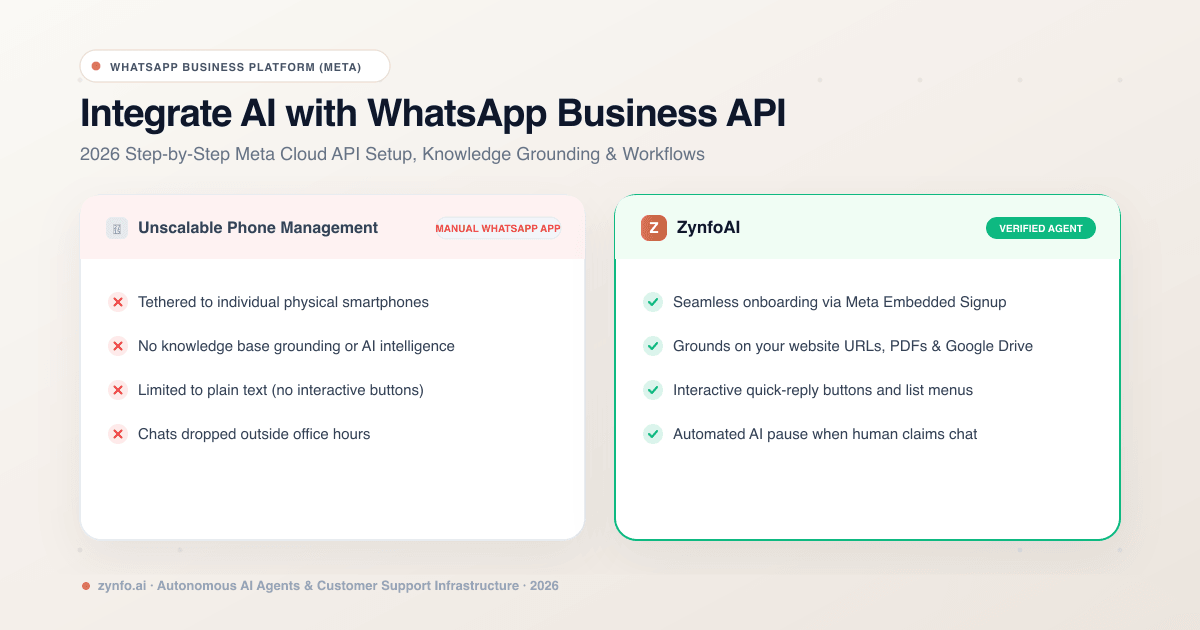
How to Integrate an AI Chatbot with WhatsApp Business API (2026 Setup Guide & Best Practices)
Step-by-step guide to integrating an AI chatbot with the WhatsApp Business API. Learn Meta Cloud API setup, knowledge base grounding, and interactive button workflows.
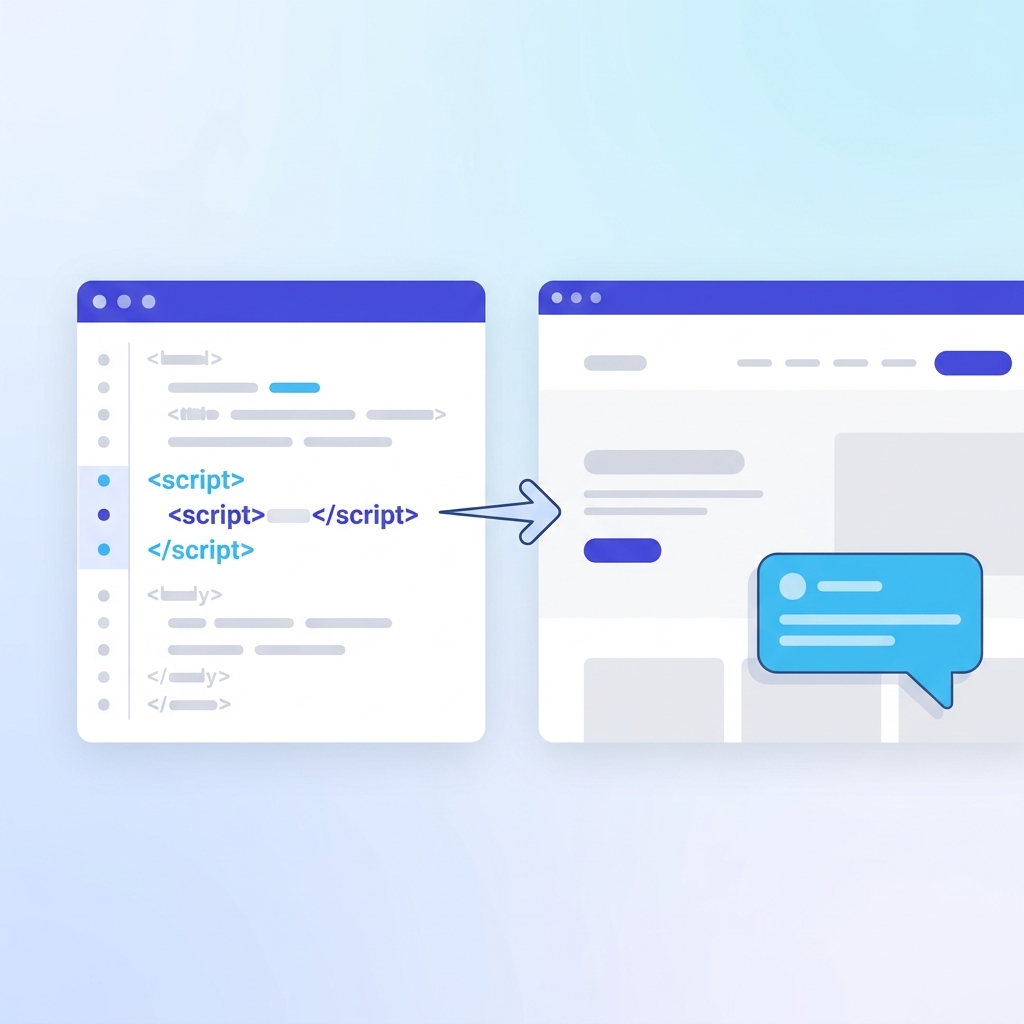
How to Add Chat on Website: Technical Guide (2026) | ZynfoAI
Learn exactly how to add chat on website pages with JavaScript embed, CMS plugins, and API integration. Step-by-step instructions for any site.
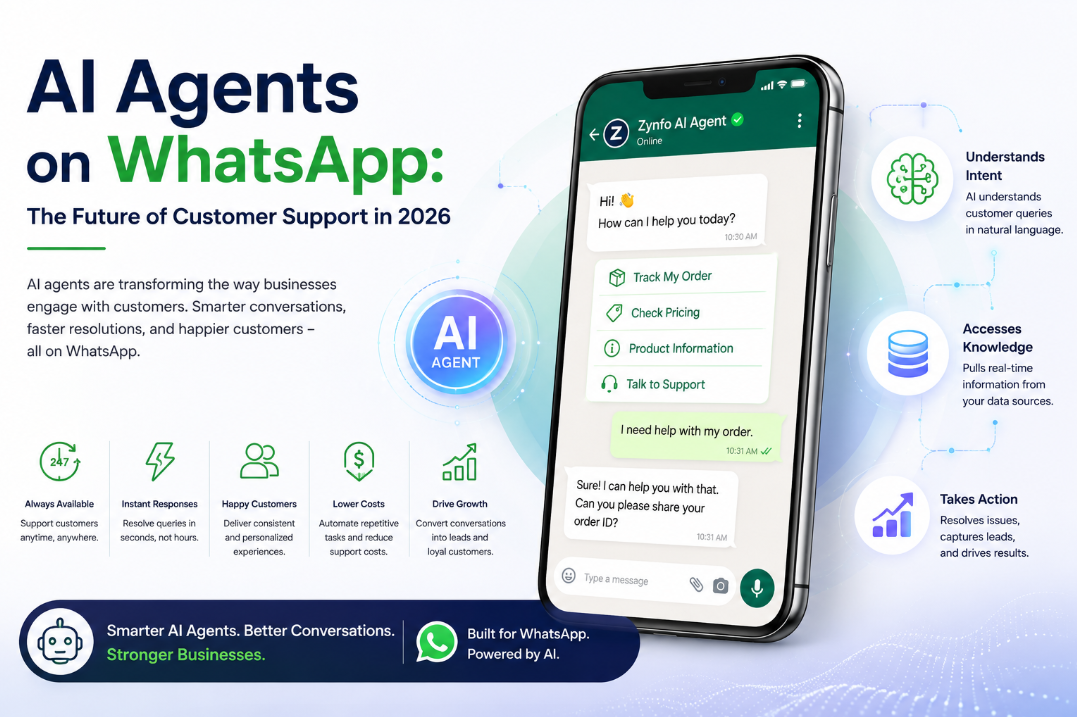
AI Agents on WhatsApp: The Future of Customer Support 2026
Discover how AI agents on WhatsApp are revolutionizing customer support in 2026. Learn the benefits, technology, and why they outperform standard chatbots.
Want to learn more?
Explore our entire library of insights on AI automation, lead generation, and scaling customer support.
Read blogs nowAutomate your support with AI
Deploy an AI agent in 2 minutes. Deflect 70%+ of customer tickets.