Ecommerce 4 min read
AI Food Ordering Chatbot: What It Can and Can't Do
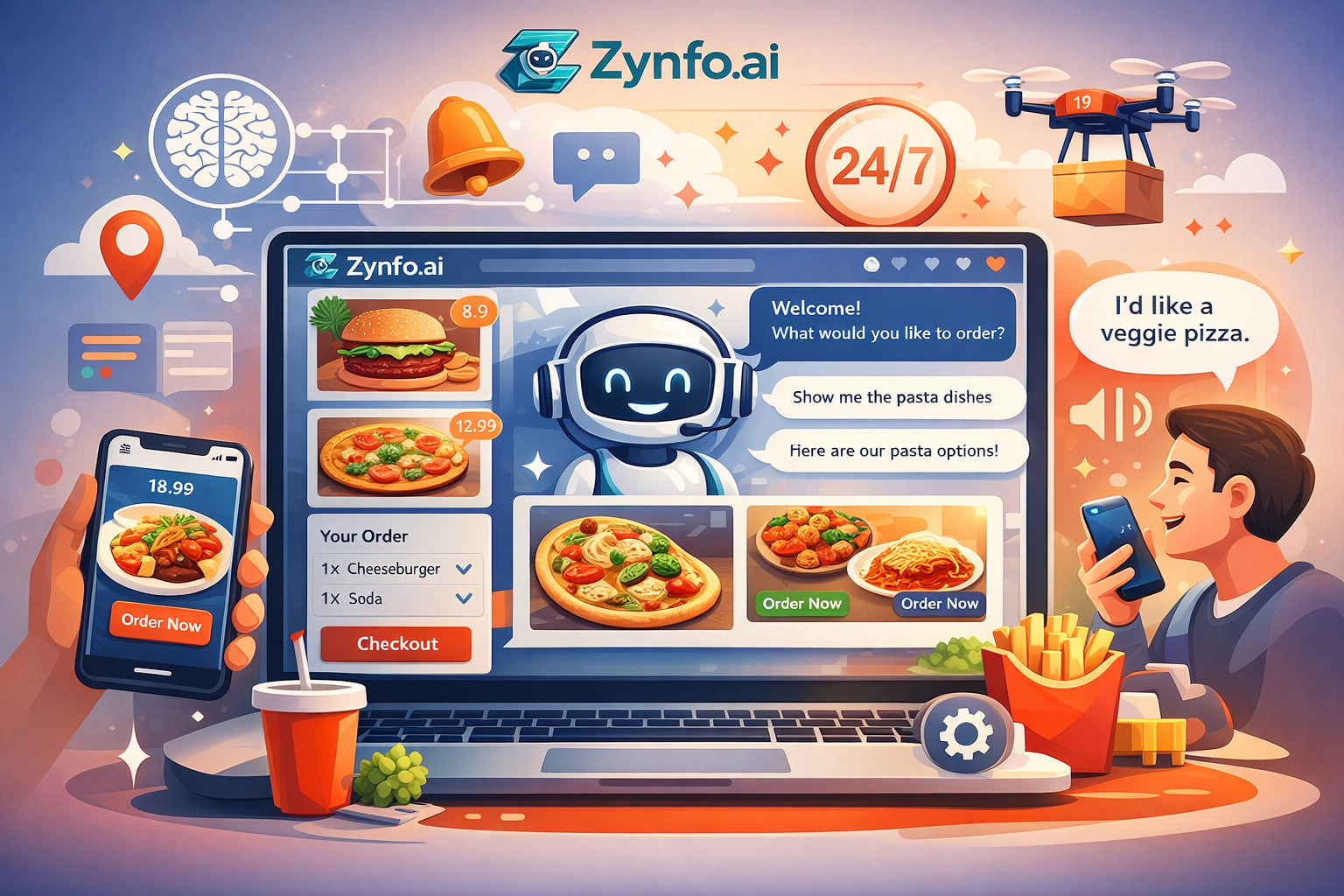
Most of the messages a restaurant gets about online ordering aren’t orders. They’re questions that come before one: “Do you deliver to Westfield?”, “Is the green curry gluten-free?”, “Are you open on Monday?”. An AI chatbot can answer those from your menu and policies, send people to your ordering page, and pass the rest to your staff.
What it shouldn’t do is pretend to be your till. This post is clear about the line. It applies our ecommerce chatbot guide to restaurants and food businesses.
What ZynfoAI does for a restaurant
Answers menu questions from your menu. Upload your menu as a PDF or point the agent at your menu page. “What’s in the lamb biryani?” gets an answer with the menu shown as the source.
Answers delivery and opening-hours questions. Delivery areas, minimum order, collection times, holiday hours. Keep them on one page and the agent answers from it.
Points people to where they order. If you take orders through your website or a delivery app, the agent shares that link when someone is ready to order.
Takes catering and large-order enquiries. Office lunch for 40 on Friday? The agent collects the name, phone number, date and headcount, and saves it as a lead for your team to call back.
Answers on WhatsApp too. Many regulars would rather message than call. Connect your WhatsApp Business number and the same agent answers there. Replies to a customer’s message inside the open customer service window are free on WhatsApp’s side.
Hands off to staff. When someone asks for a person, or the question needs one, the agent writes a short summary and routes the chat to a teammate during your working hours.
What it doesn’t do
- It doesn’t take orders or payments. ZynfoAI doesn’t connect to restaurant ordering or POS systems, so it can’t put an order into your kitchen or charge a card. It sends people to the place that can.
- It doesn’t know today’s specials unless someone adds them.
- It doesn’t know live wait or delivery times. It can quote your usual times from your policy, not what’s happening in the kitchen right now.
Some sellers do take orders through a Shopify store, for meal kits, sauces or gift cards. In that case the agent can recommend products, add them to the cart and look up orders like any online store chatbot.
Allergens: be careful
Allergen questions are the ones you can least afford to get wrong. Three rules we’d follow:
- Put your allergen information in one document, kept up to date, and make it a source.
- In the agent’s instructions, tell it to quote the allergen sheet exactly and never infer.
- Tell it to recommend that anyone with a severe allergy confirms with staff before ordering, and hand off if asked.
If a dish changes, update the sheet and click Resync the same day.
A typical evening
Customer: Do you deliver to Westfield?
Agent: Yes, Westfield is in our delivery area. The minimum order is $25. You can order here: yourrestaurant.com/order.
Customer: Is the green curry gluten-free?
Agent: The green curry is listed as gluten-free on our allergen sheet. If you have coeliac disease, please confirm with our team when you order.
Source: Allergen_Sheet_Oct.pdf
The customer orders through your usual system. Your staff didn’t have to stop and type.
Setting it up
- Add your menu, allergen sheet, delivery areas and opening hours as sources.
- Write the instructions: where to send people to order, what to say about allergens, when to hand off.
- Set your working hours and turn on human handoff.
- Connect WhatsApp if your customers message you there. See our WhatsApp AI chatbot guide.
- Test the awkward questions in the Playground, then add the chat widget to your site.
For more on how store chatbots work in general, read what is an ecommerce chatbot, or go back to the complete ecommerce chatbot guide.
Topics
Tools and guides
Put this into practice
AI Chatbot for E-commerce
Recover abandoned carts, automate order tracking, and boost online store sales.
Free ToolChatbot ROI Calculator
Calculate your projected cost savings, ticket deflection rate, and revenue impact.
Free ToolAI WhatsApp Reply Generator
Generate high-converting, professional WhatsApp sales and support replies with AI.
FeatureAI with Human Handoff
Escalate complex chats to live agents with complete conversation context.