WhatsApp Automation 4 min read
How to Automate WhatsApp Replies With AI
There are three ways to automate WhatsApp replies with AI. You can set fixed auto replies in the WhatsApp Business app, use AI to draft replies you send yourself, or let an AI agent answer customers on your business number. Each suits a different volume of messages, and each can sound human if you write it well.
This guide covers all three, then the habits that keep AI replies from sounding robotic. If you are already sure you want the third option, our guide to the WhatsApp AI chatbot explains how it works.
Option 1: Greeting and away messages in the WhatsApp Business app
The free WhatsApp Business app can send a greeting when someone messages you for the first time, and an away message outside your hours. Both are fixed text. They don’t read the customer’s question.
Good for: a handful of chats a day that you answer yourself.
Where it stops: “Is the blue one back in stock?” gets the same “Thanks for your message!” as everything else.
Write them with the free WhatsApp auto reply generator. Keep the away message to your hours, when you’ll reply, and one useful link.
Option 2: AI drafts, you send
Here AI writes the reply and you decide whether to send it. Paste the customer’s message, add what you want to say (“delay of two days, offer free shipping next time”), pick a tone, and edit the best draft.
Good for: tricky replies, like refunds, complaints and price pushback, where you want help with the words but still want to check them.
Where it stops: you’re still the one copying and pasting, so it doesn’t help at 2am.
Try it with the free AI WhatsApp reply generator. It gives you three replies for any customer message.
Option 3: An AI agent answers for you
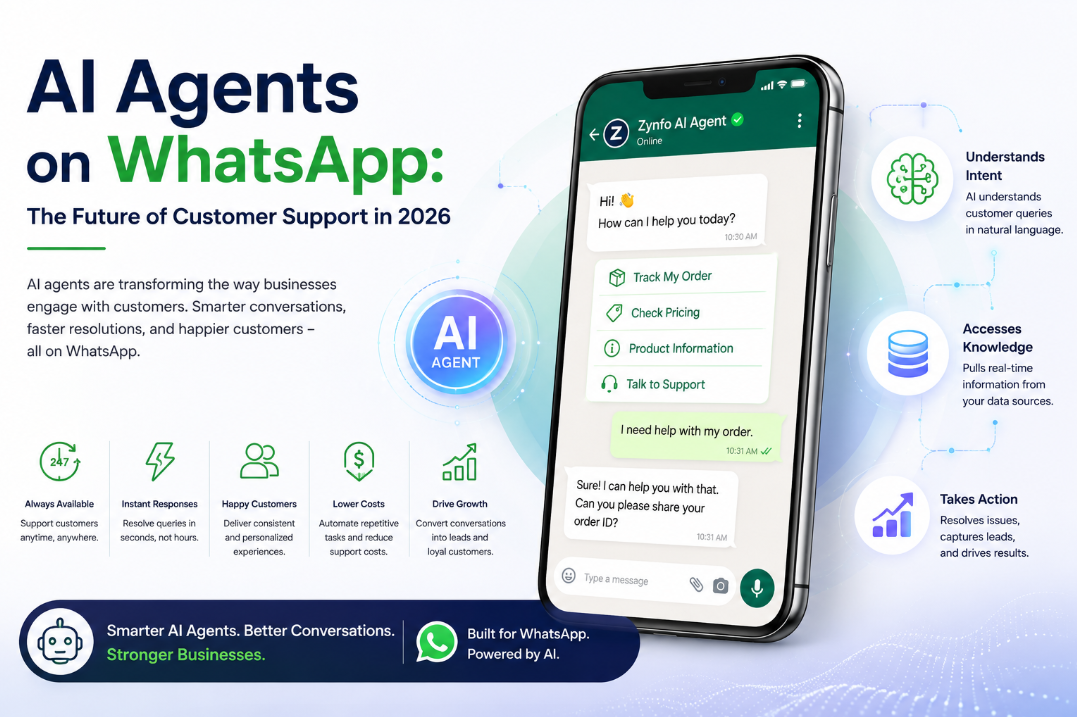
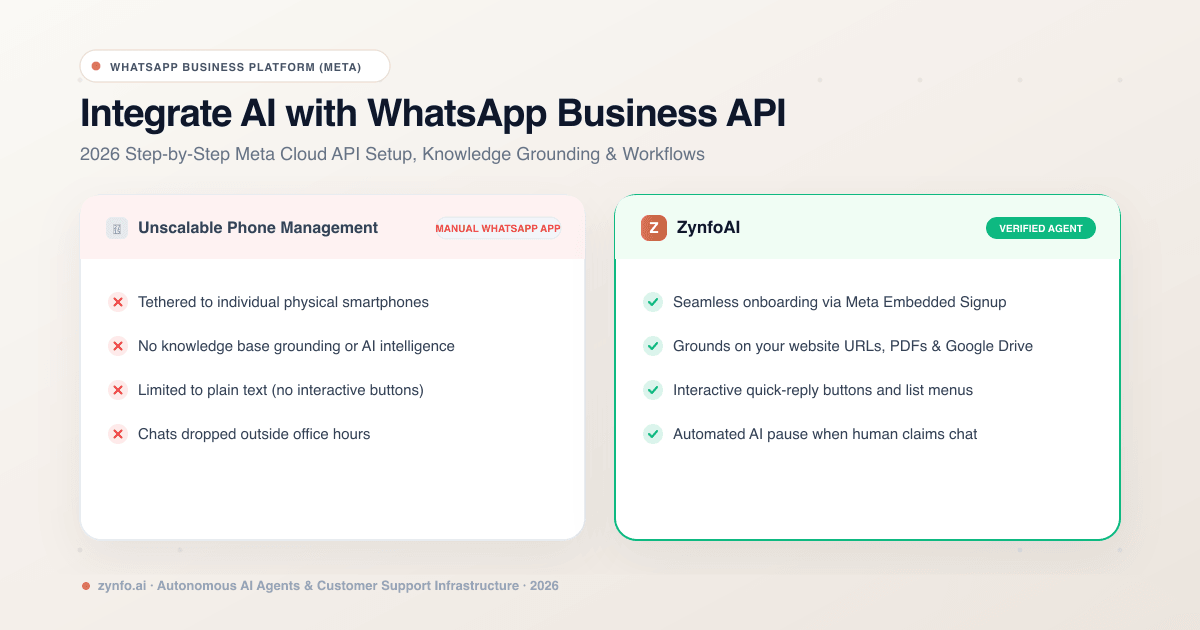
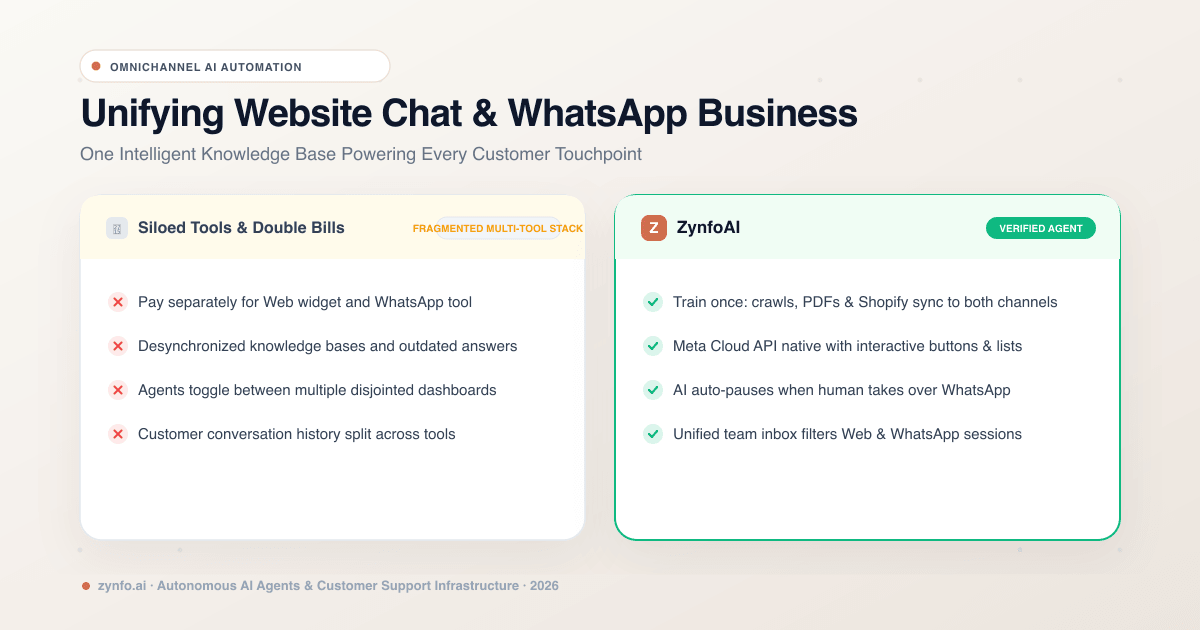
An AI agent replies on your WhatsApp Business number by itself. It reads each message, finds the answer in your website and documents, and replies straight away. When connected to your store, it can do things too: ZynfoAI checks Shopify order status, cancels unfulfilled orders, and saves lead details to your CRM. When a customer needs a person, it hands the chat to your team with a summary.
Good for: the same questions arriving all day, evenings and weekends included.
What it needs: a number on Meta’s WhatsApp Business Platform, connected through Embedded Signup, and good source content. Our guide to integrating an AI chatbot with the WhatsApp Business API covers the setup.
How to make AI replies sound like you, not a bot
Whichever option you choose, the same habits make the difference.
Answer first. Put the answer in the first sentence. Pleasantries can come after, or not at all.
- Bot: “Thank you for reaching out to us! We appreciate your patience. Regarding your query about delivery…”
- Human: “Yes, we deliver on Sundays, 10am to 4pm. Order by 8pm Saturday.”
Use their words. If they wrote “parcel”, say “parcel”. If they wrote in Hindi, reply in Hindi. ZynfoAI’s agent replies in the language the customer writes in.
Keep it short. Two or three sentences. WhatsApp is read on a phone, often while walking.
Offer one next step. A button like “Track order” or “Talk to the team” is better than three paragraphs of options. WhatsApp’s reply buttons allow up to three choices.
Admit what you don’t know. “I’m not sure, so I’ve passed this to the team” is better than a confident wrong answer. Tell your agent to hand off when the answer isn’t in your content.
Go easy on emoji. One can soften a message. Five make it look automated.
Rules that apply to every option
Replies inside the 24-hour window after a customer’s message can say anything. A message you start outside that window, like a reminder or a promotion, must be an approved template, and Meta charges for templates per message delivered (see Meta’s pricing). The free WhatsApp template generator helps you write them.
Which one to pick
- A few chats a day: greeting and away messages.
- Hard replies you want to get right: AI drafts with the reply generator.
- The same questions all day, and a team to hand off to: an AI agent. Read the WhatsApp AI chatbot guide, then see how ZynfoAI for WhatsApp handles Shopify order checks and handoff to your team.
Tools and guides
Put this into practice
AI WhatsApp Reply Generator
Generate high-converting, professional WhatsApp sales and support replies with AI.
SolutionWhatsApp AI Chatbot Platform
Automate customer support and sales over official WhatsApp Business API.
Free ToolWhatsApp Chat Widget Generator
Build a custom floating WhatsApp button to embed on WordPress or Shopify.
FeatureAI with Human Handoff
Escalate complex chats to live agents with complete conversation context.