How to Integrate an AI Chatbot with WhatsApp Business API (2026 Setup Guide & Best Practices)
Sachin
In this article
Share Knowledge
As conversational commerce explodes, one technical question is dominating search queries across marketing operations and customer support:
“How do you actually integrate an AI chatbot with the WhatsApp Business API in 2026, and how do you ensure the AI answers strictly from your verified business documentation?”
Over two billion people use WhatsApp daily, with message open rates routinely topping 95%. Yet most businesses still attempt to manage customer inquiries manually using the standard mobile WhatsApp Business App—leaving customer messages unanswered for hours, dropping leads over weekends, and overwhelming support staff.
To deploy autonomous AI on WhatsApp, you need the official Meta Cloud API. In this comprehensive 2026 guide, we walk you step-by-step through setting up WhatsApp AI integration, grounding your agent with your private knowledge base, and configuring interactive buttons and human handoff.
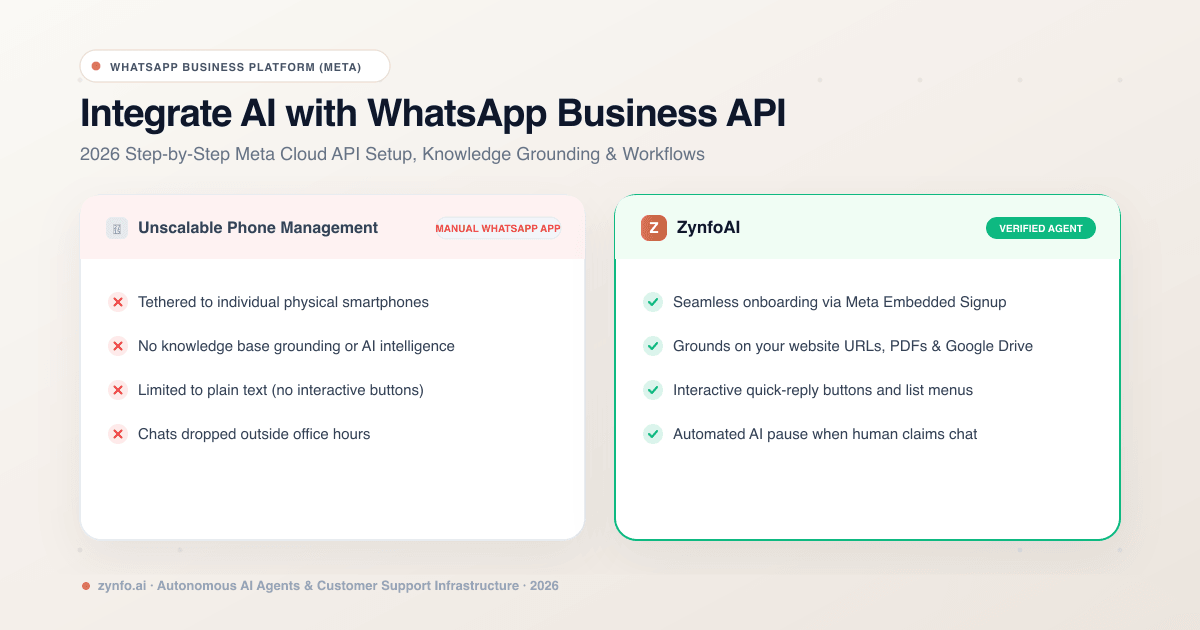
WhatsApp Business App vs. Meta Cloud API: Why You Need the API
Before connecting an AI chatbot, it is essential to understand the difference between the consumer WhatsApp Business App and the enterprise Meta Cloud API:
| Feature | Zynfo AI | Standard WhatsApp App |
|---|---|---|
| Interface | Programmatic Cloud API connected to AI software | Mobile app or single web browser session |
| Automation | Autonomous AI agent answering complex questions | Basic greeting message & away message only |
| Knowledge Grounding | Full Grounded RAG (Website, PDFs, Drive, Shopify) | None |
| Interactive UI | Native tap-friendly buttons, lists, and catalog cards | Plain text only |
| Multi-Agent Inbox | Enterprise team inbox with seats, assignment & notes | Limited device linking (up to 4 phones) |
| Scalability | Handles thousands of concurrent chats seamlessly | Manual typing bottleneck |
To connect an intelligent agent like ZynfoAI, you must connect via the WhatsApp Business Platform (Meta Cloud API).
4-Step Guide to Connecting Your AI Chatbot to WhatsApp
Setting up an AI chatbot on WhatsApp used to require months of custom engineering, webhook hosting, and Meta developer console configurations. Today, platforms provide streamlined onboarding via Meta Embedded Signup:
- Meta Account: Connect via Embedded Signup or manual Cloud API credentials in seconds.
- Ground Knowledge: Ingest your website crawl, PDFs, Google Drive documents, and Shopify catalog.
- Interactive UI: Configure quick-reply buttons, list menus, and visual branching logic.
- Smart Human Takeover: Enable unified team inbox routing with automatic AI pause on agent claim.
Step 1: Connect via Meta Embedded Signup
In your ZynfoAI dashboard:
- Navigate to Integrations → WhatsApp.
- Click Connect with Facebook / Meta.
- Log in with your Meta Business Manager credentials.
- Select or create your WhatsApp Business Account (WABA) and assign your official business phone number.
- Meta validates your phone number via a quick SMS or voice verification code.
(Note: Advanced teams can also configure manual Meta API credentials by inputting their Phone Number ID, WABA ID, and Permanent System User Access Token directly).
Step 2: Ground Your WhatsApp AI with Your Knowledge Base
An AI chatbot without business knowledge is useless. In this step, you ground your agent in your company’s verified data:
- Website Crawling: Enter your site URL to crawl up to 500 pages via automated sitemap discovery.
- Document Uploads: Upload technical specs, warranty documents, or pricing sheets (
.pdf,.docx,.xlsxup to 5MB). - Google Drive Sync: Pick specific Google Docs or Google Sheets for ongoing documentation management.
- Shopify Catalog: Directly sync your live product catalog so the WhatsApp bot knows real-time product specs and pricing.
Because ZynfoAI uses Grounded RAG architecture, the WhatsApp bot answers exclusively from this verified knowledge—preventing hallucinations and ensuring accurate answers 24/7.
Step 3: Configure Interactive Buttons & Workflow Branching
WhatsApp conversations work best when customers don’t have to type long sentences on small mobile keypads.
Configure interactive elements within your visual workflow builder:
- Welcome Quick Replies: When a user messages your number, greet them with tap-friendly buttons: “Track My Order”, “Browse Catalog”, or “Speak to an Agent”.
- Interactive List Menus: Present structured service categories or department menus.
- Conditional Branching: Route customers based on their selections (e.g., if a user selects “Urgent Support”, route directly to a live human rep).
Step 4: Set Up Smart Human Takeover
What happens when a customer has an issue that requires human empathy or complex negotiation?
In ZynfoAI’s unified team inbox:
- Support agents view all incoming WhatsApp messages alongside website chats.
- When an agent clicks Claim Session, the AI automatically pauses on that WhatsApp thread.
- The human agent can converse naturally with the customer without the bot interrupting.
- Once the issue is resolved, the agent marks the chat as Resolved, and the AI safely resumes automated coverage.
Launch Your WhatsApp AI Chatbot Today
Connect Meta Cloud API to ZynfoAI in under 10 minutes. Ground your WhatsApp bot with your website, PDFs, and Shopify catalog.
Best Practices for WhatsApp AI Workflows in 2026
To maximize customer satisfaction and stay compliant with Meta’s official messaging policies, follow these operational best practices:
- Keep Responses Concise: WhatsApp is an instant messaging app, not a long-form email. Configure your AI agent’s system prompt to give crisp, 2–3 sentence answers with clear bullet points.
- Always Provide a Clear Exit Route: Never trap users in a loop. Ensure customers can easily request a human rep by typing “agent” or tapping a “Talk to Human” button.
- Manage Meta Message Templates: For outbound proactive alerts (such as shipping confirmations or order updates), use Meta-approved message templates. In ZynfoAI, you can track template statuses (Approved, Pending, Rejected) directly in your dashboard.
- Respect Customer Working Hours: Set up business-hour routing so that after-hours WhatsApp inquiries receive an immediate polite acknowledgement and an automated ticket creation notification.
Pricing: Beware of WhatsApp Per-Message Markups
When choosing an AI WhatsApp software provider, inspect the billing fine print carefully. Many third-party providers add substantial markups (often $0.01 to $0.03 extra per message) on top of Meta’s standard conversation rates.
With ZynfoAI, there are zero hidden per-resolution markups:
- Transparent flat plan of $99/month
- Includes 5,000 conversations per month across web and WhatsApp
- Up to 11 team seats included for your support and sales staff
- Zero platform markups on Meta’s official API messaging charges
Conclusion: Transform WhatsApp into a 24/7 Growth Engine
Integrating an AI chatbot with the WhatsApp Business API is the single most effective way to provide instantaneous customer support, reduce ticket backlog, and capture qualified leads on the platform your customers already use every day.
By leveraging Meta Cloud API, grounding your AI in your private business documents, and enabling smart human handoff, your business delivers frictionless, 24/7 service at scale.
Ready to connect your WhatsApp Business number to an intelligent AI agent? Sign up to ZynfoAI free today and launch your WhatsApp AI assistant in minutes.
Related Keywords & Expertise
Recommended Resources & Tools
Put this into practice with our free tools & solutions
AI WhatsApp Reply Generator
Generate high-converting, professional WhatsApp sales and support replies with AI.
WhatsApp AI Chatbot Platform
Automate customer support and sales over official WhatsApp Business API.
WhatsApp Chat Widget Generator
Build a custom floating WhatsApp button to embed on WordPress or Shopify.
AI with Human Handoff
Escalate complex chats to live agents with complete conversation context.
You Might Also Like
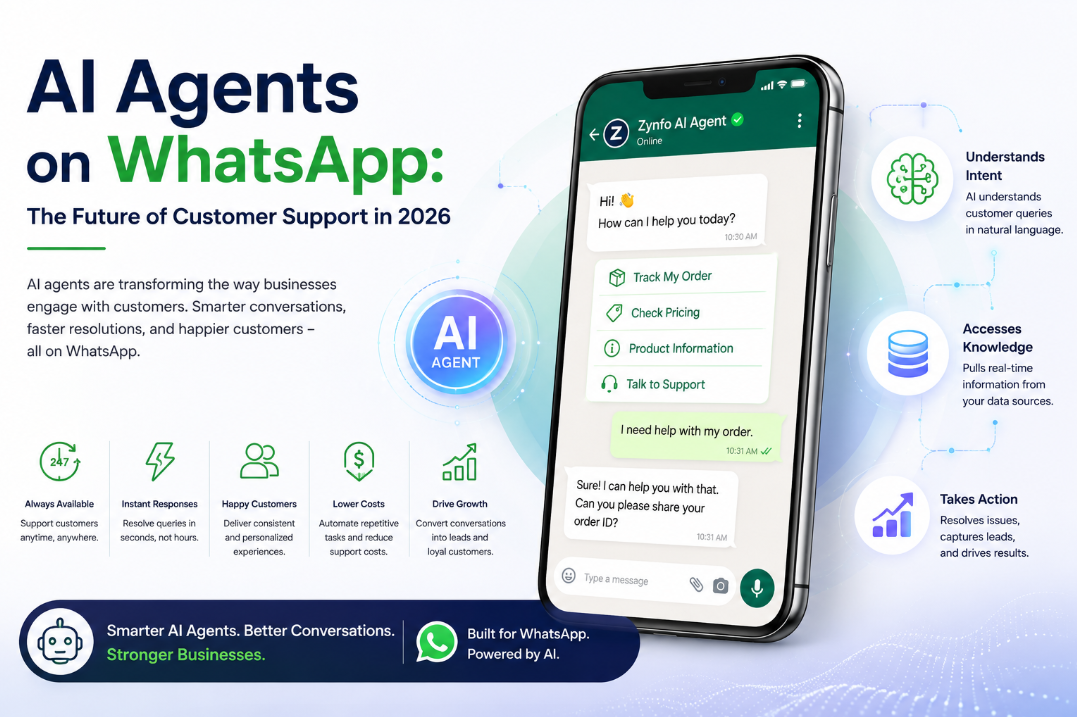
AI Agents on WhatsApp: The Future of Customer Support 2026
Discover how AI agents on WhatsApp are revolutionizing customer support in 2026. Learn the benefits, technology, and why they outperform standard chatbots.
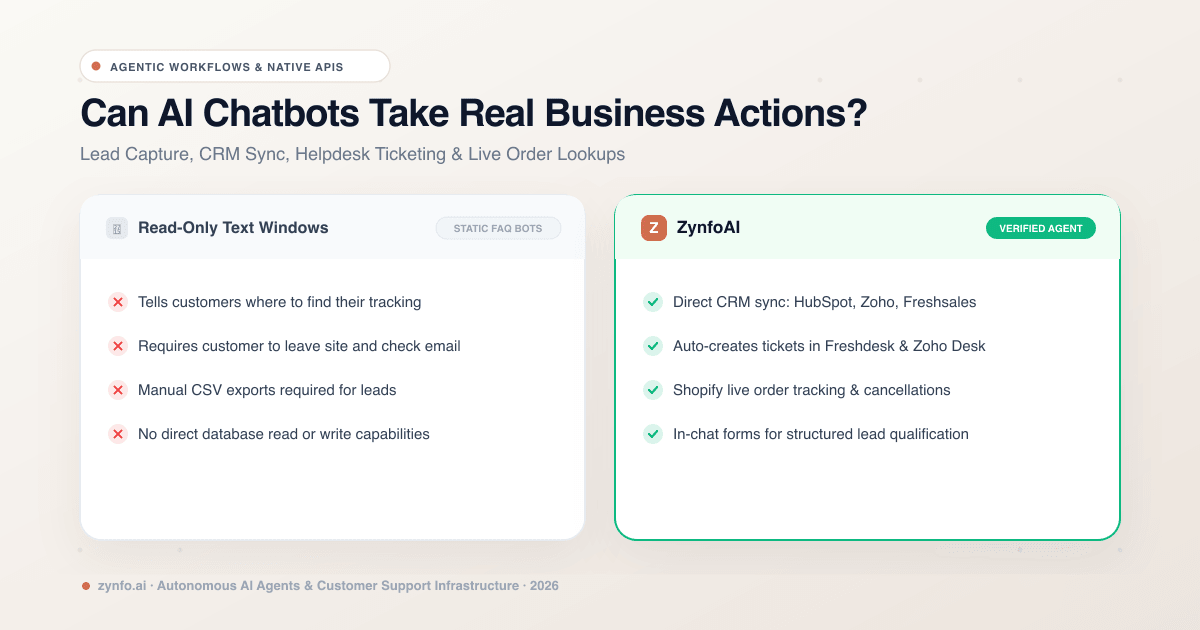
Can AI Chatbots Take Actions? How Agentic Workflows Sync CRMs, Helpdesks & E-Commerce
Learn how agentic AI chatbots move beyond static FAQ answers to execute real-time business actions: CRM lead capture, helpdesk ticketing, and Shopify order workflows.
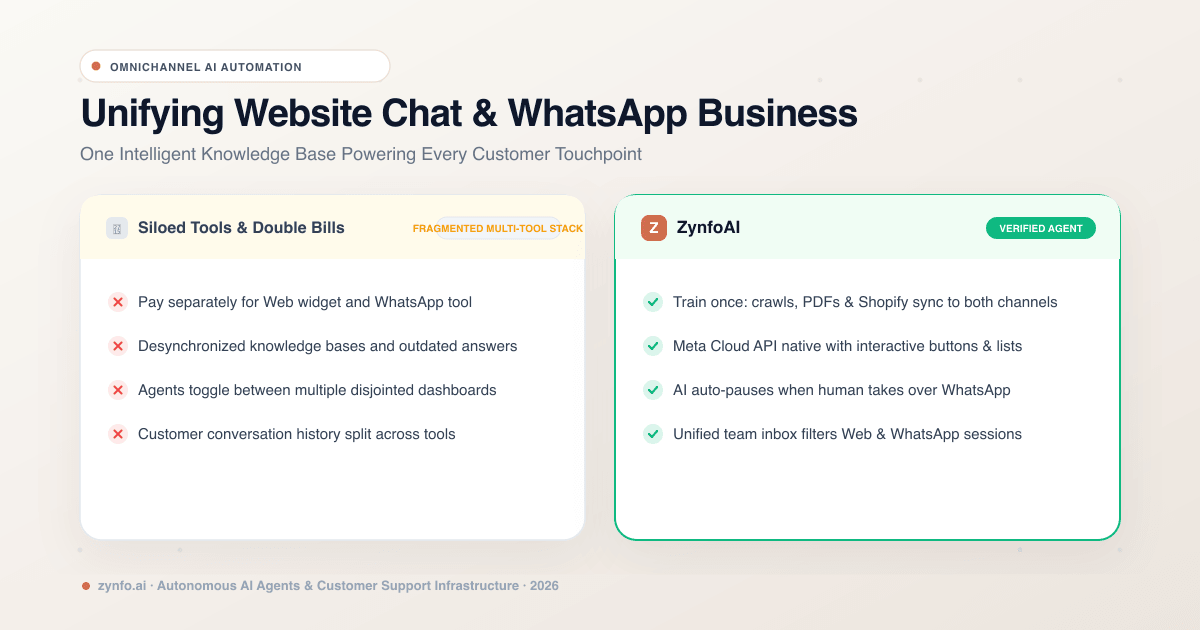
Omnichannel AI Support: Unifying Website Chat and WhatsApp Business with One Knowledge Base
Learn how to deploy a single AI knowledge base across website live chat and WhatsApp Business. Automate multi-channel customer support with unified agent inboxes.
Want to learn more?
Explore our entire library of insights on AI automation, lead generation, and scaling customer support.
Read blogs nowAutomate your support with AI
Deploy an AI agent in 2 minutes. Deflect 70%+ of customer tickets.