WhatsApp Automation 5 min read
WhatsApp Chatbot for Small Business: 2026 Guide

If you run a small business, your WhatsApp is probably your phone. Messages come in during deliveries, school runs and dinner, and the same five questions arrive every day. A WhatsApp chatbot answers those for you, on your business number, and leaves the rest for you or your team.
This guide covers what a chatbot can realistically handle for a growing business in 2026, what to set up first, what it costs, and where it should step aside. For the bigger picture, read our guide to the WhatsApp AI chatbot.
Start with the questions you answer every day
Look back at last week’s WhatsApp chats. For most small businesses, a handful of questions make up most of the traffic:
- “Are you open on Sunday?”
- “How much is delivery to Pune?”
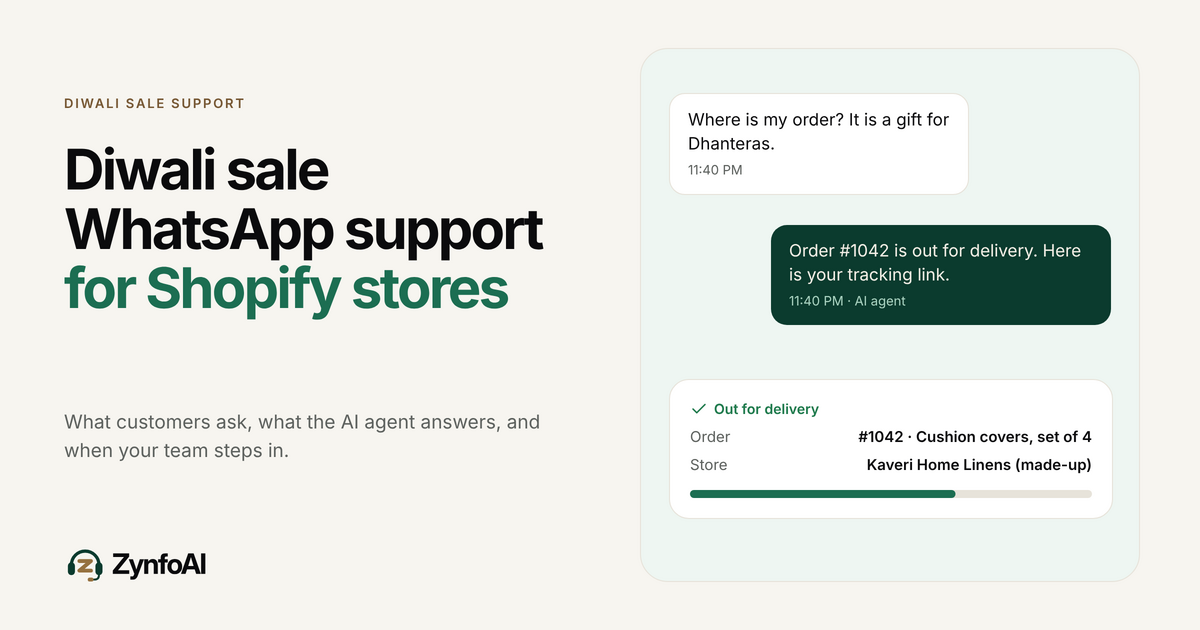
- “Has my order shipped? It’s #1042.”
- “Can I return this if it doesn’t fit?”
- “Do you have this in blue?”
A modern AI chatbot answers questions like these from your own website and documents. It doesn’t need a script for every wording. If your returns page says 30 days, the bot says 30 days.
What a WhatsApp AI assistant can handle in 2026
Here is what to expect from a good tool today, using ZynfoAI as the example.
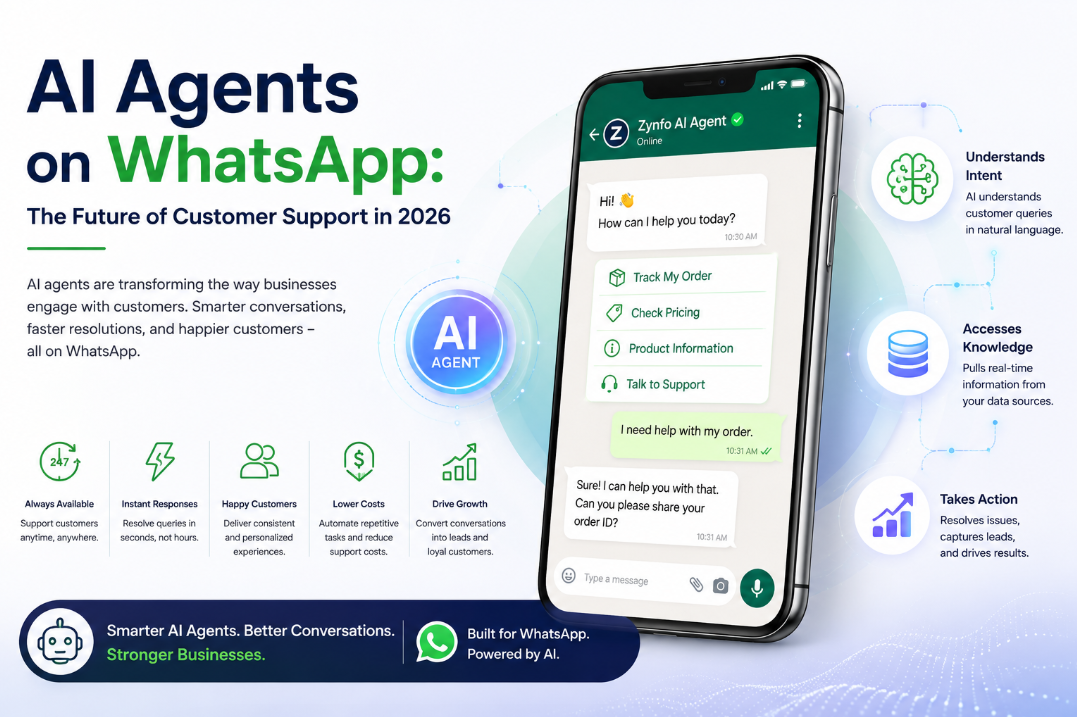
Answer from your content. Add your website and documents. The agent answers from those.
Check orders, for shops. With Shopify connected, it tracks orders and helps customers find products in your catalog.
Take down a lead. For service businesses, it collects a name, phone number and what the person needs, and saves it as a lead.
Send buttons and lists. “Track an order”, “Talk to the team”. Customers tap instead of typing on a small screen.
Hand off cleanly. When someone asks for a person, the chat goes to your team with a short summary, and the AI stops replying while you handle it.
It won’t run your calendar, take card payments in the chat, or answer questions your content doesn’t cover. When it doesn’t know, it should say so and turn the question into a help-desk ticket for your team.
Set it up in this order
- Connect your number. The chatbot runs on Meta’s WhatsApp Business Platform, which most tools set up through Embedded Signup. You log in with your Meta business account and verify your number.
- Add your sources. Your FAQ, delivery and returns pages first. Those cover most questions.
- Write a few house rules. Keep replies short. Always hand off complaints and anything about money beyond an order lookup.
- Set your hours. Decide who covers chats and when. Outside those hours the agent can take a message or open a ticket.
- Test before you go live. Ask it the five questions above and read the answers like a customer would.
Our guide to integrating an AI chatbot with the WhatsApp Business API covers each step in more detail.
What it costs to run
There are two bills. Your chatbot tool is one. ZynfoAI costs from $39/month, with no per-resolution fees and a 7-day free trial with no card. See pricing.
The other is Meta. Under Meta’s per-message pricing, you pay when a template message you start, such as a promotion, is delivered, at a rate set by category and the customer’s country. Since 1 October 2026, replies inside the 24-hour window are charged per message as well. Our WhatsApp Business API pricing guide walks through an example. Our WhatsApp pricing calculator gives a rough estimate.
When the WhatsApp Business app is enough
Not every small business needs a chatbot platform. If you get a few messages a day and handle them yourself, the free WhatsApp Business app’s greeting and away messages may be all you need. The free WhatsApp auto reply generator helps you write them.
Meta has also added its own Business AI to the WhatsApp Business app in some countries. Our rundown of Meta AI’s WhatsApp features in 2026 covers what it does. A platform like ZynfoAI makes more sense once you want the same agent on your website, Shopify order tracking, captured leads, or help-desk tickets for a few people.
Make it easy for customers to reach you
A chatbot only helps if people message you. Put a WhatsApp link in your Instagram bio and emails with the WhatsApp link generator, print a code for your counter with the WhatsApp QR code generator, and add a chat button to your site with the WhatsApp widget generator.
Our WhatsApp AI chatbot guide covers setup and costs in more depth. When you’re ready to put AI on your own number, see ZynfoAI for WhatsApp.
Tools and guides
Put this into practice
AI WhatsApp Reply Generator
Generate high-converting, professional WhatsApp sales and support replies with AI.
SolutionWhatsApp AI Chatbot Platform
Automate customer support and sales over official WhatsApp Business API.
Free ToolWhatsApp Chat Widget Generator
Build a custom floating WhatsApp button to embed on WordPress or Shopify.
FeatureAI with Human Handoff
Escalate complex chats to live agents with complete conversation context.