Zynfo AI + Google Drive
Train AI on Your Documents with Google Drive & ZynfoAI
Powerful Features for your Google Drive Bot
Scale your Google Drive automation with enterprise-grade features designed for high performance and accuracy.
- Real-Time Document Indexing
- Secure Data Vectorization
- Multi-Format Support (PDF, Doc, Sheet)
- Hierarchical Folder Sync
- Automatic Knowledge Updates
- Enterprise-Grade Data Privacy
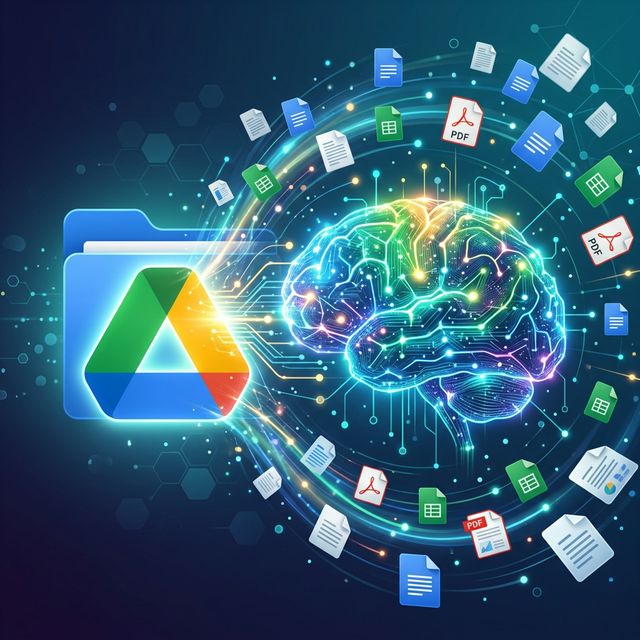
Why Zynfo AI is the #1 choice for Google Drive
Don't settle for generic chatbots. Experience the precision of RAG technology and official API support.
- Reduce Training Time by 50%
- Answer 90% of Internal Queries Instantly
- Always-Synced Documentation
- No Manual Article Uploads Needed
- Higher Accuracy with RAG
- Scalable Organizational Intelligence
See how we stack up
Zynfo AI provides superior accuracy and depth compared to standard Google Drive bot solutions.
| Feature | Zynfo AI | Standard Search |
|---|---|---|
| Answer Accuracy | High (Contextual) | Low (Keyword only) |
| Real-Time Sync | Automatic | Manual |
| Task Execution | Can Perform Actions | Search Only |
Get started in minutes
A simple, no-code setup process to bring AI to Google Drive.
Authorize Google Drive
Securely link your Google Workspace account and select the folders you want Zynfo AI to access.
Automatic Indexing
Zynfo AI's engine parses and vectorizes your documents into a searchable knowledge graph.
Define AI Guardrails
Set rules for how the AI should interpret sensitive data and when to escalate to a human.
Launch Across Channels
Deploy your document-aware AI on your website, Slack, or internal helpdesk in minutes.
Frequently asked questions
Is my data used to train public AI models?
No. Zynfo AI uses a private RAG pipeline. Your Google Drive data is vectorized for your specific agent and is never shared or used to train external models.
How often does it sync with my Drive?
Zynfo AI performs real-time syncing. Whenever a file is updated or added to a connected folder, the AI's knowledge base is updated within seconds.
Which file formats are supported?
We support PDF, Google Docs, Sheets, and standard text files (.txt, .md). We are continuously adding support for more formats.
Supercharge Your Workflow
Start answering questions, tracking orders, and delighting customers across your website and WhatsApp today.